From Ad-Hoc Queries to Repeatable Flows: Systematizing How Your Team Looks at Data


Most teams live in ad-hoc mode with their databases.
A question appears in Slack. Someone opens a SQL client. A query gets written, tweaked, copied, pasted into a screenshot, and then… disappears.
No shared history. No structure. No improvement over time.
This is fine when you’re small. It becomes a tax as soon as:
- Multiple teams depend on the same data
- The same questions keep coming up
- Incidents hinge on “who remembers the right query”
This post is about moving from one-off, improvised queries to calm, repeatable flows: lightweight systems for how your team inspects, understands, and reuses the same views of data.
It’s not about heavy BI, full data modeling, or building a metrics layer. It’s about the middle: where engineers, product folks, and data people actually live day to day.
Why this shift matters
Ad-hoc querying feels flexible. It also hides a lot of cost.
1. Cognitive load goes up for everyone
Every time you answer a “simple” data question from scratch, you’re paying for:
- Remembering which tables matter
- Re-deriving the same joins and filters
- Re-checking edge cases you already debugged last month
This is attention you could spend on understanding the data, not reconstructing the same query skeleton again.
2. Your team quietly forks reality
When everyone rolls their own queries:
- The same metric is defined three different ways
- One person filters out test users, another doesn’t
- Someone includes soft-deleted rows; someone else doesn’t
You get arguments about numbers that should match but don’t. Not because the data is wrong, but because the views are inconsistent.
3. Incident response becomes personality-driven
In many teams, debugging production issues depends on:
- Who “knows the right query”
- Who remembers that obscure column
- Who has that old SQL snippet in their notes
That’s fragile. When those people are out, you’re slower and less confident.
A read-first culture around databases helps a lot here. If you haven’t seen it yet, The Case for a Read-First Database Workflow goes deeper into why observation before action is such a powerful default.
4. You never build leverage
The biggest issue: ad-hoc querying doesn’t compound.
You might be getting faster at typing SQL, but the organization isn’t getting faster at answering questions. There’s no shared library of:
- “How we usually check X”
- “The three queries we always run when Y breaks”
- “The canonical way we define this metric”
Systematizing how you look at data is how you turn all that one-off effort into reusable infrastructure—without jumping straight to heavyweight BI.
What a “repeatable flow” actually is
A repeatable flow is a small, opinionated path from question → data → interpretation.
It usually has:
-
A clear trigger
A situation that always calls for the same starting point. -
A known entry query or view
The first place you look, with filters or parameters you adjust. -
A small set of follow-ups
A handful of queries or checks you run next, depending on what you see. -
A simple place to live
Somewhere the team can find and reuse it, without digging through old threads.
This can be lightweight:
- A shared folder of saved queries
- A small collection of parameterized views
- A short runbook with links to those queries
Tools like Simpl lean into this: an opinionated database browser that makes it easy to go from “I’m exploring” to “this is how we always look at this”. Not a BI suite. Not an admin console. Just a calm interface for repeatable inspection.
Step 1: Identify your recurring questions
You don’t need to systematize everything. Start with the questions that already repeat.
Look for patterns in:
-
Slack and email threads
Search for phrases like:- “Anyone know how many…?”
- “Can someone pull…”
- “What’s going on with…?”
-
Incident postmortems
What queries did you run to understand impact, scope, or root cause? -
Weekly rituals
Product reviews, growth meetings, support triage—what data do you always end up pulling manually?
Make a simple list:
- “How many signups failed email verification yesterday?”
- “Which customers are hitting rate limits the most?”
- “What’s the distribution of response times for this endpoint?”
- “Which experiments are currently running and for whom?”
You’re looking for 10–20 questions that:
- Come up at least monthly
- Require more than a single
SELECT * - Matter to more than one person or team
These are your first candidates for repeatable flows.
Step 2: Stabilize the way you answer them
For each recurring question, your goal is to move from “whatever query I happen to write this time” to “this is the standard way we look at it”.
A simple pattern:
-
Pick a primary table or view
Decide where this question should start. -
Encode the core filters
Whatever you always have to remember:- Exclude test users
- Ignore soft-deleted rows
- Filter to production environments
-
Name the query after the question
Not the table. Not the implementation detail. Use language like:user-signups-with-verification-statustop-rate-limited-customers-last-7-days
-
Document 2–3 key notes inline
In a comment block at the top:- What this is for
- What assumptions it makes
- What it is not suitable for
In Query Fast, Think Slow: Designing Database Tools for Deliberate Work, we talk about using tools to remove friction from the mechanics so you can spend attention on these decisions. Stabilizing queries is exactly that kind of leverage.
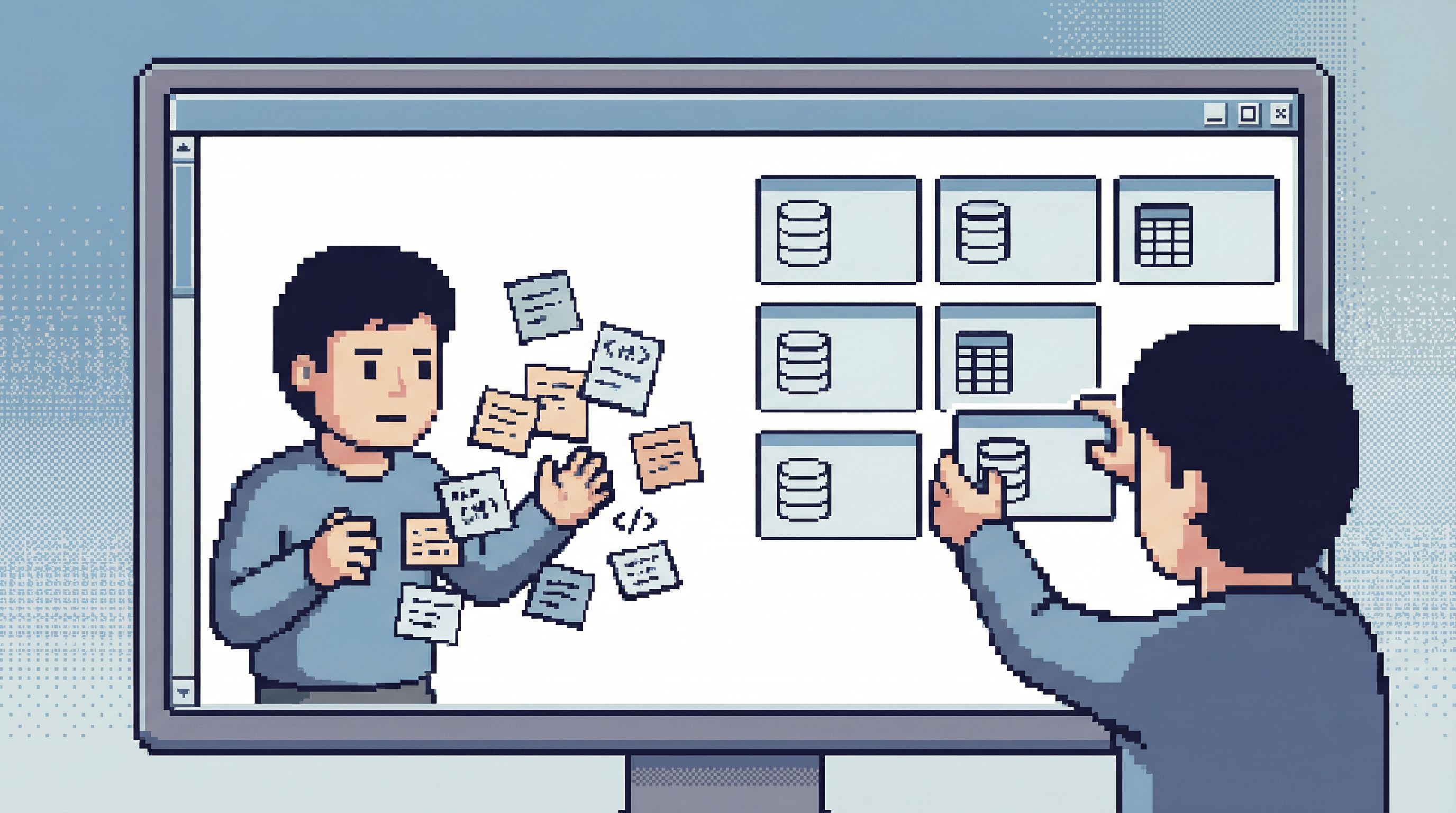
You don’t need a full data modeling layer to do this. A shared space in your database browser is enough.
With something like Simpl, that might look like:
- A team folder for “Core Flows”
- Saved queries with clear names and descriptions
- Read-only defaults so people can explore without fear of breaking things
The key is that the starting point for these questions becomes consistent, even if people tweak filters on each run.
Step 3: Add just enough structure
Once you have a few stabilized queries, you can start to layer in structure—carefully.
You don’t want to recreate a BI tool. You want to make it easy for someone new to follow the same path you would.
Some light-weight patterns:
1. Group flows by scenario, not by table
Instead of folders like users, events, billing, try:
signup-and-activationperformance-and-latencybilling-and-invoicingexperiments-and-flags
People think in terms of problems, not schemas.
2. Encode the “next query” in comments
At the top of each saved query, add hints:
-- If signups look low, next check:
-- 1) signup-funnel-by-step
-- 2) email-provider-bounce-rates
-- 3) feature-flag-coverage-for-signup-experiment
This turns a single query into a small flow without needing a UI.
3. Use parameters instead of copy-paste
Where your tool allows it, prefer parameters to editing raw SQL:
:start_date,:end_date:customer_id:environment
This reduces accidental changes and makes flows feel more like tools than one-off scripts.
4. Keep visuals intentionally boring
Charts can help, but they can also distract.
A calm approach:
- Default to tables
- Use a single, simple chart type where it’s clearly helpful
- Avoid dashboards that try to answer every question at once
Your goal is not “prettier data”. It’s clearer thinking with less noise.
Step 4: Tie flows to your rituals
Flows only matter if people use them.
The easiest way to ensure that: attach them to moments that already exist.
1. Incidents and on-call
For common classes of incidents, define:
- A short runbook
- Linked queries for:
- Impact analysis
- Scope (which customers, which regions)
- Root-cause hints (e.g., spikes in certain event types)
Store those links where on-call engineers actually live: in your incident docs, your runbook, or your paging tool.
2. Weekly product or growth reviews
Instead of screenshotting a dashboard every week, define a small set of flows:
- “Activation funnel by cohort”
- “Key feature usage by segment”
- “Churn and downgrade events last 30 days”
Run them live. Adjust filters together. Save new variants when you discover better cuts of the data.
3. Support and success workflows
Give non-engineering teams safe, pre-filtered ways to answer their own questions:
- “Recent activity for a given account”
- “Error events for a given user”
- “Feature flags currently affecting this customer”
With Simpl, this often looks like a curated set of read-only flows that support can run by plugging in an account ID—no schema spelunking required.
Step 5: Decide what not to automate
Once you have repeatable flows, it’s tempting to automate everything.
Resist that, at least at first.
Automation is powerful when:
- The question is stable
- The cost of being wrong is low
- The signal is clearly defined
For many operational and product questions, the value is in looking:
- Seeing weird outliers
- Noticing subtle changes in distributions
- Asking “why does this shape look different?”
That’s hard to automate well, and easy to pretend you automated.
A calmer approach:
- Use repeatable flows to reduce mechanical work
- Keep humans in the loop for interpretive work
- Promote only a small subset of flows into alerts or automated checks
This is the same bias we argued for in The Case for a Read-First Database Workflow: look first, change later. Flows help you look in a consistent, reliable way.

Step 6: Make flows easy to improve
A system only stays useful if it can evolve.
Treat your flows like code:
-
Version them
When you change logic in a core query, note it in a comment:-- v3: Updated to exclude legacy plan types as of 2026-01-10
-
Collect feedback
Add a small note in your docs or tool: “If this query surprised you, tell us why.” -
Prune aggressively
Every quarter, archive flows that:- Haven’t been used
- Represent old product behavior
- Duplicate newer, clearer flows
-
Bias toward clarity over cleverness
Prefer:- Slightly slower but more readable queries
- Explicit joins and filters
- Fewer layers of nesting
This is where an opinionated browser like Simpl can help: it encourages a smaller, more intentional surface area for saved flows, instead of a sprawl of half-finished dashboards.
A simple example: from ad-hoc to flow
Let’s walk a small example.
The recurring question
“Are new users actually reaching the ‘Aha’ moment we care about?”
Ad-hoc version
Every few weeks, someone:
- Digs up the events table
- Rebuilds the funnel logic
- Argues about which event counts as “Aha”
- Screenshots a chart into a doc
Flow version
You define:
-
A saved query:
activation-funnel-last-30-days- Filters out test users
- Uses a single, documented definition of “Aha”
- Groups by cohort (signup week)
-
A follow-up query:
activation-by-key-segment- Same logic, but broken down by plan type or acquisition channel
-
A short note in your product review doc:
- “Start with
activation-funnel-last-30-days. If activation drops, checkactivation-by-key-segmentto see where.”
- “Start with
Now:
- Anyone can run the same view
- Changes to the definition of “Aha” happen in one place
- You spend time discussing what the numbers mean, not how they were produced
That’s the shift: from improvisation to quiet, shared flows.
Summary
Moving from ad-hoc queries to repeatable flows is not about more tooling. It’s about:
- Reducing cognitive load by stabilizing how you answer recurring questions
- Creating a shared reality through consistent, named queries and views
- Supporting incidents and rituals with small, scenario-based flows
- Keeping humans in the loop for interpretation, while automating the mechanics
- Letting the system evolve with versioning, pruning, and clarity-first SQL
You don’t need to build a full analytics stack to get there. A calm, opinionated database browser like Simpl, a handful of saved queries, and some discipline around naming and documentation are enough to change how your team works with data.
Take the first step
Pick one recurring question your team asks about your product or system.
This week:
- Write the query you wish everyone would use to answer it.
- Give it a clear, question-shaped name.
- Save it where others can find it.
- Add two comments:
- What it’s for
- What to look at next if something seems off
That’s your first repeatable flow.
From there, you’re not just querying your database. You’re building a calmer, more deliberate way for your team to see and understand what’s going on.