Context Without Clutter: Showing Just Enough Metadata for Everyday Production Reads


Most engineers don’t want to think about metadata.
They just want to answer grounded questions:
- What happened to this user’s subscription?
- Why did this job retry three times?
- Which tenant started failing after the last deploy?
But the moment you open a typical database tool, you’re dropped into a wall of context:
- Full schema trees
- Type systems in your face
- Index lists, constraints, triggers
- Row counts, cardinality estimates, and query plans
All of that is metadata. Some of it is essential. Most of it is noise for everyday production reads.
This post is an argument for a middle path: context without clutter. A way of showing just enough metadata to feel oriented and safe, without turning every read into a mini data catalog tour.
Tools like Simpl are built around this stance: an opinionated database browser that gives you a calm, streamlined way to explore production data without dragging the whole warehouse of metadata into every view.
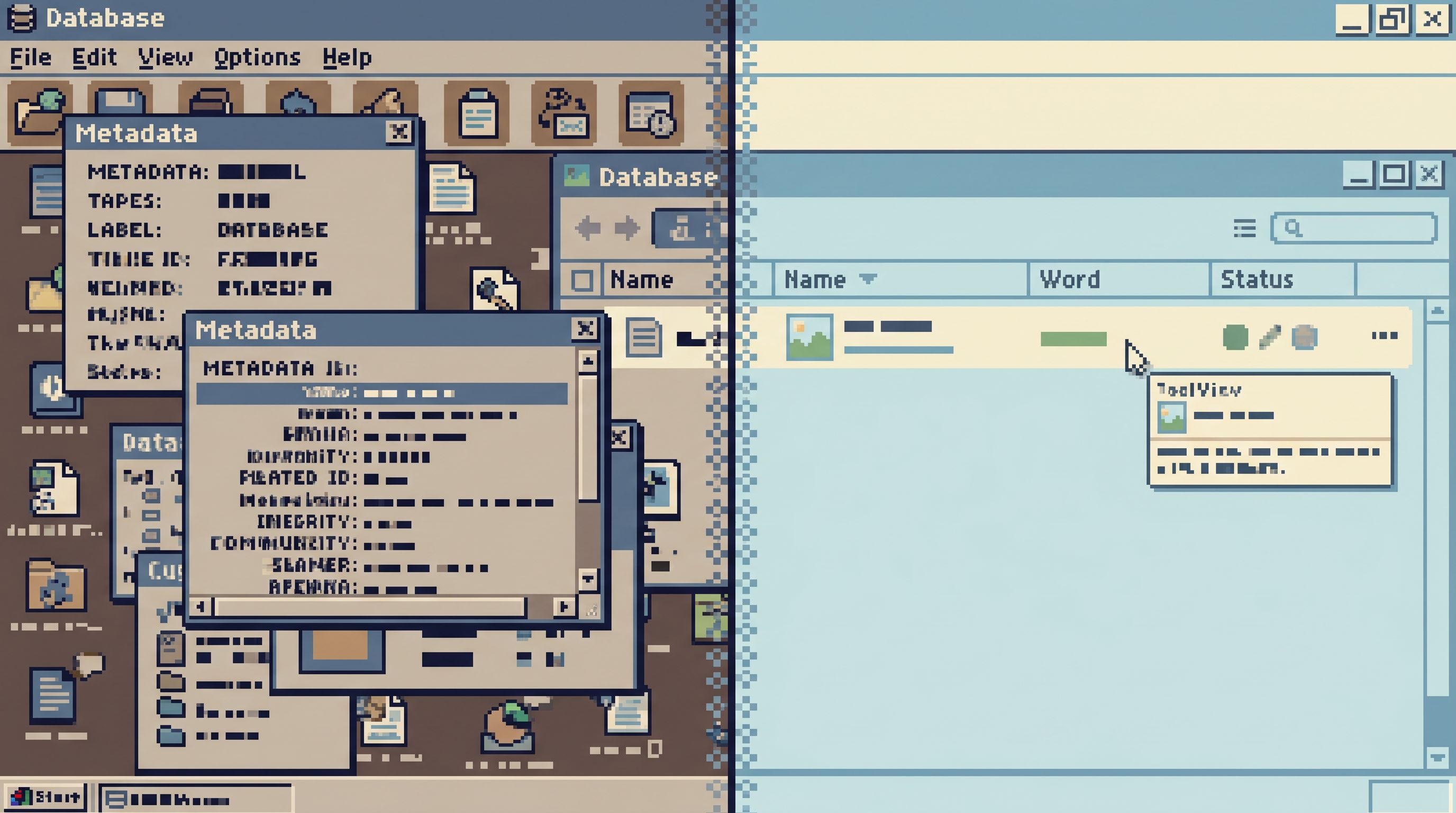
Why Metadata Matters (And Why It So Easily Gets Loud)
Metadata is how you avoid guessing:
- You know what a column means, not just its name.
- You see how a row fits into a bigger story (user, tenant, job, invoice).
- You understand the risk of a query before you run it.
Without that context, you get:
- Misread incidents (“Oh, that timestamp is in UTC, not local.”)
- Support thrash (“I thought
status = 'canceled'meant they churned, not that billing failed.”) - Quiet performance landmines (running heavy reads on hot tables because they looked small).
At the same time, surfacing all metadata all the time is its own failure mode:
- People spend more time scanning panels than reading rows.
- New teammates treat the tool as something only experts can use.
- Incident responders drown in options instead of following a clear path.
If you’ve read about the calm schema surface, this is the same idea one layer deeper: not just which tables you reveal, but how much metadata you attach to each read.
The goal isn’t to hide information. The goal is to sequence it.
A Simple Principle: Metadata Should Arrive One Question Ahead
A calm mental model for metadata:
Only show metadata that answers the next natural question someone will have about what they’re already looking at.
Not ten questions ahead. Not questions they might have in a different workflow. One question ahead.
This keeps the interface focused on the work:
- When you’re scanning rows, you see column names, types, and light hints.
- When you hover or click for detail, you get definitions, constraints, and relationships.
- When you start writing a query, you see just enough structure to avoid mistakes.
In practice, that means designing layers of context instead of one giant metadata dump.
Layer 1: The Calm Row View
The primary surface for everyday production reads should be rows, not panels.
When you open a table in Simpl, or any calm browser, the first view should answer:
- What table am I in?
- What’s the primary key?
- What are the most important columns for this workflow?
Everything else can wait.
What to show by default
For a row-centric view, default metadata can be very small:
-
Primary key and key-ish columns
id,user_id,tenant_id,job_id- Make them visually distinct (slightly stronger weight, subtle icon), not louder.
-
Softly visible types
- Don’t shout
TEXT,INT8,TIMESTAMPTZin bright badges. - A quiet suffix or subtle icon is enough to avoid confusion.
- Don’t shout
-
Humanized timestamps
- Show both “3 hours ago” and the precise timestamp on hover.
- This prevents the “is this UTC?” question without adding another column.
-
Status and lifecycle hints
- For
status,state, orphasecolumns, show the raw value. - On hover or click, reveal a short description: “
canceled= user explicitly ended subscription, not payment failure.”
- For
That’s it. No index list. No foreign key graph. No query plan.
The default view should feel like a calm spreadsheet with just enough scaffolding to avoid misreads.
What to hide until asked
Reserve a second layer for metadata you only need when something looks odd:
- Full column descriptions
- Nullability, uniqueness
- Default values
- Constraints and check expressions
These should be one hover or click away on the column header or cell, not occupying permanent real estate.
You can see this philosophy echoed in other Calm Data posts like The Narrow Query Editor, where the editor surface is deliberately thin. The same applies to metadata: narrow by default, rich on demand.

Layer 2: Relationship Hints Without a Full ERD
Most production questions cross table boundaries:
- “This invoice looks wrong — what does the subscription say?”
- “This job failed — what user and tenant are behind it?”
You need relationships. But you rarely need a full entity-relationship diagram.
Just-enough relationship metadata
A calm relationship layer might look like this:
-
Inline foreign key hints
- Small affordance next to
user_id: “Linked tousers.id”. - Click to open the related row in a side panel or new view.
- Small affordance next to
-
Contextual join suggestions
- When you start typing
JOINin a query editor, suggest only the 1–3 most relevant tables based on foreign keys from the current table. - Show the join condition inline:
JOIN subscriptions ON subscriptions.user_id = users.id.
- When you start typing
-
Soft breadcrumbs
- When you navigate from
invoices→subscriptions→users, show a small trail:invoices → subscriptions → users. - This is metadata about your path, not just the schema.
- When you navigate from
You don’t need a draggable graph or schema explorer tree for most reads. You need one clear next hop.
This is the same spirit as The Calm Data Shortcut: opinionated, short paths from where you are to the rows that matter, instead of a map of everything that could exist.
Layer 3: Performance and Risk, Only When It Matters
Performance metadata is where many tools get loud:
- Live row counts
- Cardinality estimates
- Index hit ratios
- Query plan trees
All of that is useful. Almost none of it is needed for:
- Checking a single user’s state
- Reading the last few events for a job
- Verifying a small slice of data for support
Calm defaults for performance metadata
You can keep people safe without turning every read into a performance workshop:
-
Size hints at the table level, not per row
- Show a quiet indicator: “Large table, be specific with filters.”
- Only surface exact row counts or storage stats on hover.
-
Guardrails at query time
- Before running a query likely to touch millions of rows, show a small warning: “This may scan a large portion of
events. Consider narrowing withWHERE user_id = ....” - Offer one-click adjustments (e.g., auto-adding a
LIMIT 1000).
- Before running a query likely to touch millions of rows, show a small warning: “This may scan a large portion of
-
Deferred query plans
- Don’t show the plan by default.
- Offer a “Why is this slow?” link that reveals the plan and index hints when someone actually feels the pain.
This aligns with the idea of guardrails in the flow: you don’t need more roles or checkboxes; you need metadata that appears at the moment a risky decision is about to be made.
Practical Design Patterns for Context Without Clutter
Whether you’re building your own internal tool or evaluating something like Simpl, you can apply a few concrete patterns.
1. Start with a single primary surface
Pick one:
- A row grid
- A focused detail view
- A narrow query editor
Then treat everything else as secondary. If metadata can’t justify its place on that primary surface, it goes behind a hover, side panel, or separate step.
This is the same posture as the anti-workspace stance in The Anti-Workspace: Why Fewer Panels Make Database Debugging Easier: fewer panels, more attention on the actual data.
2. Tie metadata to actions, not to screens
Ask: When does someone actually need this?
- Column descriptions → when hovering the header, not in a separate documentation tab.
- Foreign key targets → when clicking a key column, not in a global graph.
- Performance hints → when hitting “Run,” not when opening the table.
Design each piece of metadata as a response to an action, not as a static decoration.
3. Use progressive disclosure, not modes
Avoid flipping the entire UI into “metadata mode.” Instead:
- Use tooltips and small overlays.
- Use collapsible sections in a side panel.
- Use keyboard shortcuts (e.g., hold
Altto temporarily reveal extra metadata badges).
People should be able to pull in more context without feeling like they’ve left their current workflow.
4. Normalize calm defaults across tables
Inconsistent metadata patterns are their own kind of noise.
Pick a small set of rules and apply them everywhere:
- Primary keys always appear first and are visually consistent.
- Timestamps always show humanized + precise-on-hover.
- Status-like columns always have quick definitions.
- Foreign keys always have the same icon and behavior.
Over time, this becomes part of your team’s muscle memory. They don’t have to think about metadata; they just know where to look when they need more context.
5. Make metadata opinionated, not encyclopedic
Not all metadata is equally valuable for everyday reads.
Be willing to:
- Curate which column descriptions are visible.
- Hide legacy columns by default.
- Mark “core” tables and de-emphasize everything else.
A tool like Simpl can encode these opinions directly into the browsing experience, so you’re not relying on tribal knowledge to know which parts of the schema actually matter for production work.
How to Introduce Just-Enough Metadata to Your Team
You don’t need a full redesign to get value from this approach. You can start small and iterate.
Step 1: Pick three common production questions
For example:
- “What happened to this user’s subscription?”
- “Why did this invoice fail?”
- “Which jobs are stuck for this tenant?”
For each question, walk through the current path in your existing tools:
- Which tables do people open?
- Which columns do they actually look at?
- Which metadata do they wish they had sooner?
You’ll usually find that a small subset of columns and relationships do most of the work.
Step 2: Design a minimal metadata set for those paths
For each question, define:
- The 3–5 columns that should be visually emphasized.
- The 1–2 relationships that should be one click away.
- The 1–2 performance or risk hints that should appear before a query runs.
Then implement those as configuration or small UI tweaks in your current browser, or prototype them in a dedicated tool.
Step 3: Remove at least one panel or widget
Deliberately delete something:
- A secondary schema tree.
- A default index list.
- A live row-count widget.
Replace it with a lighter pattern:
- Hover to see indexes.
- Click to see schema.
- On-demand row-count estimates.
This forces you to commit to progressive disclosure instead of permanent clutter.
Step 4: Encode the pattern in your primary tool
Once you’ve proven the value on a few flows, bake it into the tool your team actually uses for production reads.
That might mean:
- Adopting an opinionated browser like Simpl.
- Tightening the configuration of your existing internal console.
- Building a thin read-only surface on top of your primary database.
The key is to keep the metadata rules consistent. People shouldn’t have to re-learn how context is presented every time they switch tables.
Step 5: Share the pattern, not just the tool
Metadata design is part of your production culture.
When you introduce these changes:
- Show side-by-side examples of “before” (cluttered) and “after” (calm context).
- Teach people where to find deeper metadata when they need it.
- Encourage feedback: “What context did you wish was one click closer during your last incident?”
Over time, you’ll find that incidents, support tickets, and product investigations all start from a calmer place. People spend less time decoding the tool and more time reading the data.
Bringing It All Together
Context without clutter is not a minimalist aesthetic. It’s a safety and focus stance:
- You show just enough metadata to answer the next natural question.
- You keep the primary surface anchored on rows, not panels.
- You reveal deeper structure, relationships, and performance hints only when they’re actually needed.
The result is a production data experience where:
- New teammates feel safe opening a browser on production.
- Experts move faster because the tool stays out of their way.
- Incidents and investigations leave behind clearer trails instead of private, improvised workspaces.
If you’re already thinking about calmer schema surfaces, focused query editors, and quieter incident flows, this is the next layer: designing metadata as a sequence of small, timely hints instead of a permanent wall of information.
Take the First Step
You don’t need a full re-platform to get value from this.
This week, pick one high-frequency production workflow — a support path, an incident runbook, a product investigation — and do three things:
- List the 5–7 pieces of metadata that actually help in that flow.
- Hide or de-emphasize everything else in your primary view.
- Make the helpful metadata one hover or one click away from the rows.
If you want a tool that’s already built around these principles, try pointing Simpl at a safe slice of production. Use it as a reference implementation of what calm, opinionated metadata can feel like — and then bring those patterns back into the rest of your stack.
The goal isn’t to show less. It’s to show the right things, at the right moment, so production reads stay clear, safe, and calm.