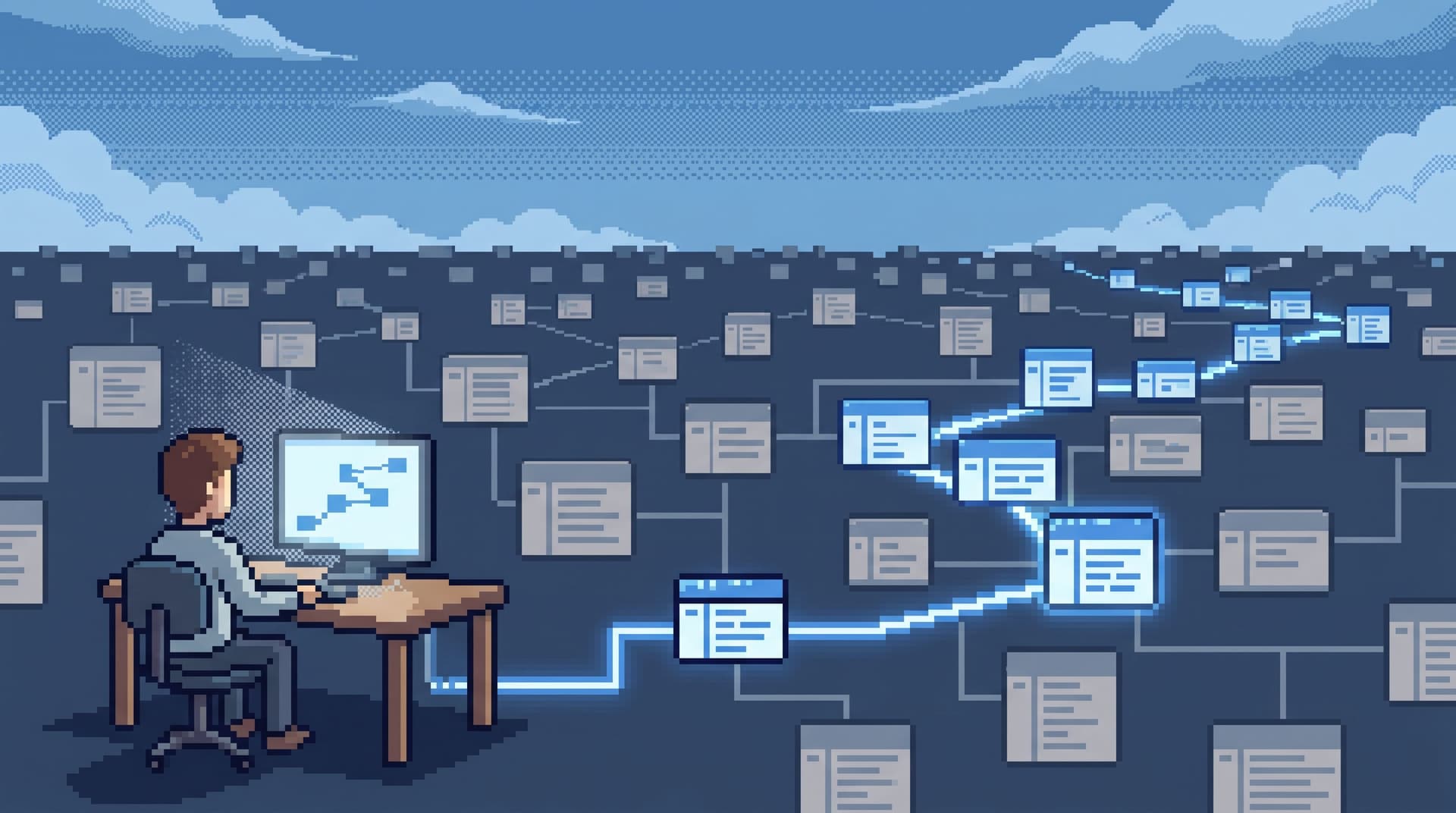
The Calm Query Sandbox: Practicing Production Reads Without Touching Live Data

Production data is where your system stops being abstract. It’s also where your risk surface quietly explodes.
Most teams respond to that risk with two blunt options:
- Point people at live production with heavy permissions guardrails.
- Push them to a staging environment that never quite matches reality.
Neither is great for calm, confident work.
A better pattern sits in the middle: a calm query sandbox. A place where engineers and adjacent teams can practice the exact reads they’ll run in production — same schema, same patterns, same navigation — without ever touching live data.
This post is about designing that sandbox deliberately, and how tools like Simpl make it feel like a natural extension of your production browser instead of a separate, noisy universe.
Why a Calm Query Sandbox Matters
A query sandbox is not just “another environment.” It’s a training ground for production thinking.
Without it, you get familiar patterns:
- New engineers afraid to run anything in prod.
- Support and success teams locked out of real questions.
- Senior engineers doing all the risky reads during incidents.
- A quiet culture of “just send me the user ID, I’ll check it” heroics.
With a calm sandbox, you can:
- Practice real questions safely.
- “What did this user’s subscription look like last week?”
- “Which jobs were stuck before the deploy?”
- “How would I trace this invoice through three services?”
- Standardize patterns. People learn the same handful of reliable query shapes, not a thousand ad‑hoc experiments.
- Shorten onboarding. Instead of abstract schema tours, new engineers run real production‑shaped reads on safe data. (This pairs naturally with the pattern in The Single-Question Onboarding: Teaching New Engineers Production Data Without Overwhelming Them.)
- Lower incident pressure. On‑call engineers already know the moves. They’ve rehearsed them.
The goal is not more SQL practice. The goal is muscle memory for production reads, learned in a place where mistakes are cheap.
What a Calm Query Sandbox Actually Is
A calm sandbox is not:
- A throwaway staging database with random test fixtures.
- A playground SQL editor with every verb enabled.
- A BI tool with synthetic demo dashboards.
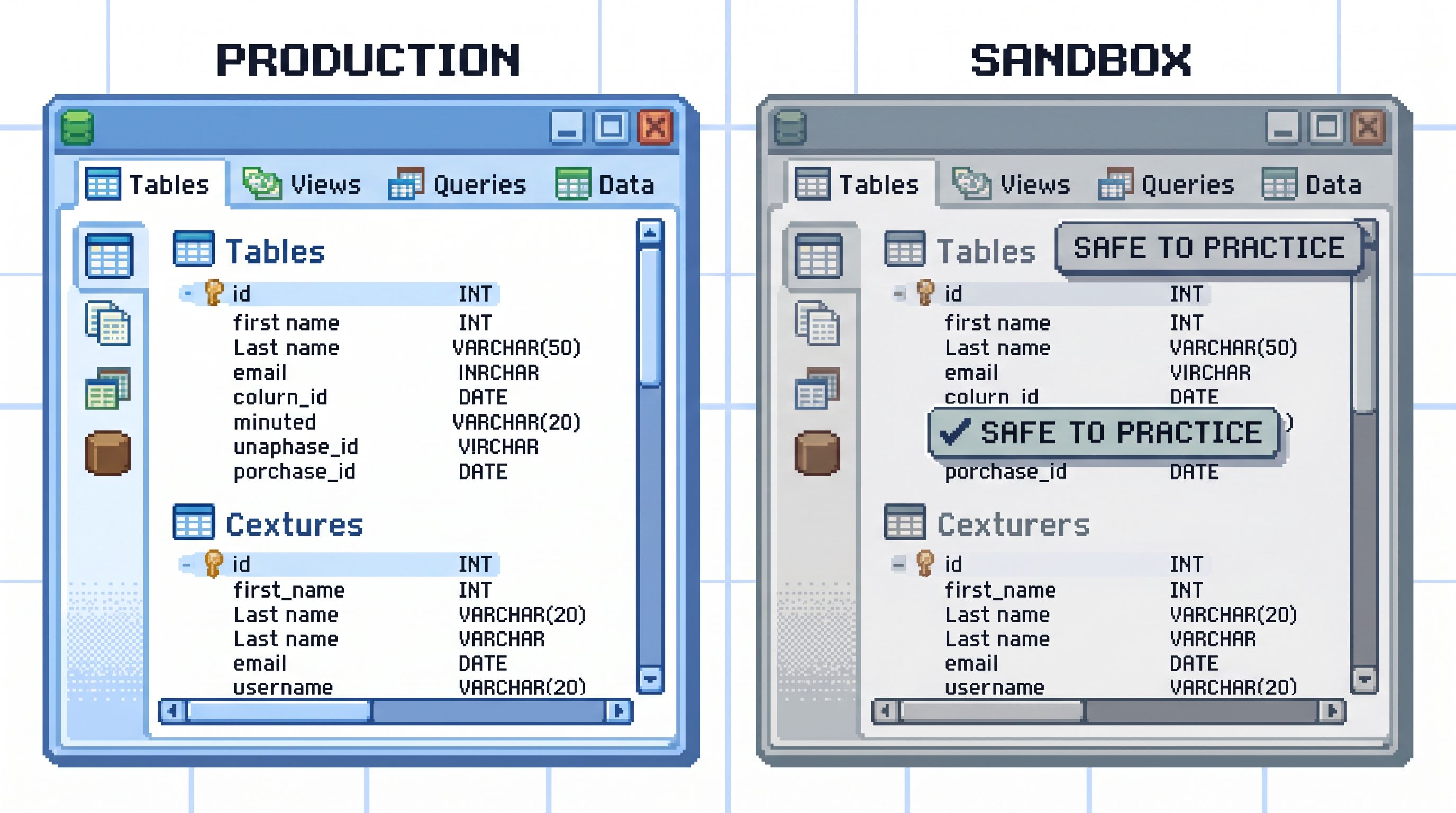
Instead, it’s a deliberately constrained mirror of your production read surface:
-
Same schema shape.
- Tables, columns, and relationships closely track production.
- Enough fidelity that “the query I just wrote here” is meaningful when translated to prod.
-
Representative, not real, data.
- No live PII.
- No real invoices, cards, or secrets.
- But enough structure, skew, and edge cases that queries behave realistically.
-
Same browser, calmer posture.
- You use the same interface — ideally an opinionated browser like Simpl — with a different backing database.
- Same navigation, same filters, same narrow query editor.
-
Read‑first by design.
- No writes, no schema changes, no migrations.
- The entire point is to practice reads: focused, explainable, repeatable.
You’re not trying to simulate your entire stack. You’re building a flight simulator for calm production queries.
Designing the Data Behind the Sandbox
The data is where most sandboxes go wrong. Either it’s too fake to be useful, or too real to be safe.
You want three properties:
- Structural realism
- Behavioral realism
- Privacy and safety
1. Structural realism: the schema should feel like prod
Engineers should be able to:
- Recognize table names.
- Recognize column names.
- Rehearse joins and filters they’ll actually use.
Patterns that help:
- Mirror core tables exactly.
users,subscriptions,invoices,jobs,feature_flags.- Same primary keys, foreign keys, and key indexes.
- Lag non‑critical tables.
- For heavy audit or logging tables, you can mirror a subset of columns.
- Keep the relationships; drop the noise.
This is where a calm browser like Simpl shines: the same intent‑first navigation, same opinionated filters, and the same narrow query editor work across environments with no extra configuration.
2. Behavioral realism: queries should “feel” like prod
If the sandbox is too small or too clean, people learn the wrong lessons.
Design for:
- Realistic cardinality.
- Enough rows in key tables that pagination, filters, and time ranges behave like prod.
- Not millions of rows everywhere — just enough to feel the shape.
- Edge cases baked in.
- Canceled subscriptions with partial refunds.
- Jobs that retried three times, then succeeded.
- Users who changed plans mid‑cycle.
- Time spread.
- Data across months, not just “yesterday.”
- This pairs well with the patterns in Opinionated Time Travel: Calm Patterns for Reading Historical States in Production Data.
You can seed this in a few ways:
- Synthetic generators that create realistic distributions.
- Anonymized snapshots of old production data, aggressively scrubbed and sampled.
- Scenario fixtures: hand‑crafted rows that represent classic bugs or support stories.
3. Privacy and safety: nothing here should hurt you
The sandbox is only calm if nothing you do there can cause real harm.
Guardrails:
- No real PII.
- Replace emails with
user123@example.test. - Replace names with generated strings.
- Mask or drop any sensitive free‑text fields.
- Replace emails with
- No real secrets.
- Tokens, keys, and IDs that could cross‑reference other systems should be synthetic.
- Clear labeling.
- Every surface, every screenshot, every export should make it obvious: this is sandbox data.
The more confidently you can say, “You cannot leak anything real from here,” the more freely people can practice.
The Interface: Practicing the Exact Moves You’ll Use in Prod
A calm sandbox is most powerful when it shares a surface with production.
If you debug from Simpl in prod, you should debug from the same Simpl workspace against a sandbox database. Same patterns. Same mental model.
Key interface properties:
- One primary surface
- A narrow query editor
- Opinionated filters over free‑form search
1. One primary surface
You don’t want people learning “sandbox workflows” that don’t exist in prod.
Instead:
- Same layout.
- Same navigation.
- Same incident loop.
This aligns with the posture in The Calm Debug Loop: Running Incidents From One Question Instead of Ten Tools: one question, one surface, one linear trail of reads.
2. A narrow query editor
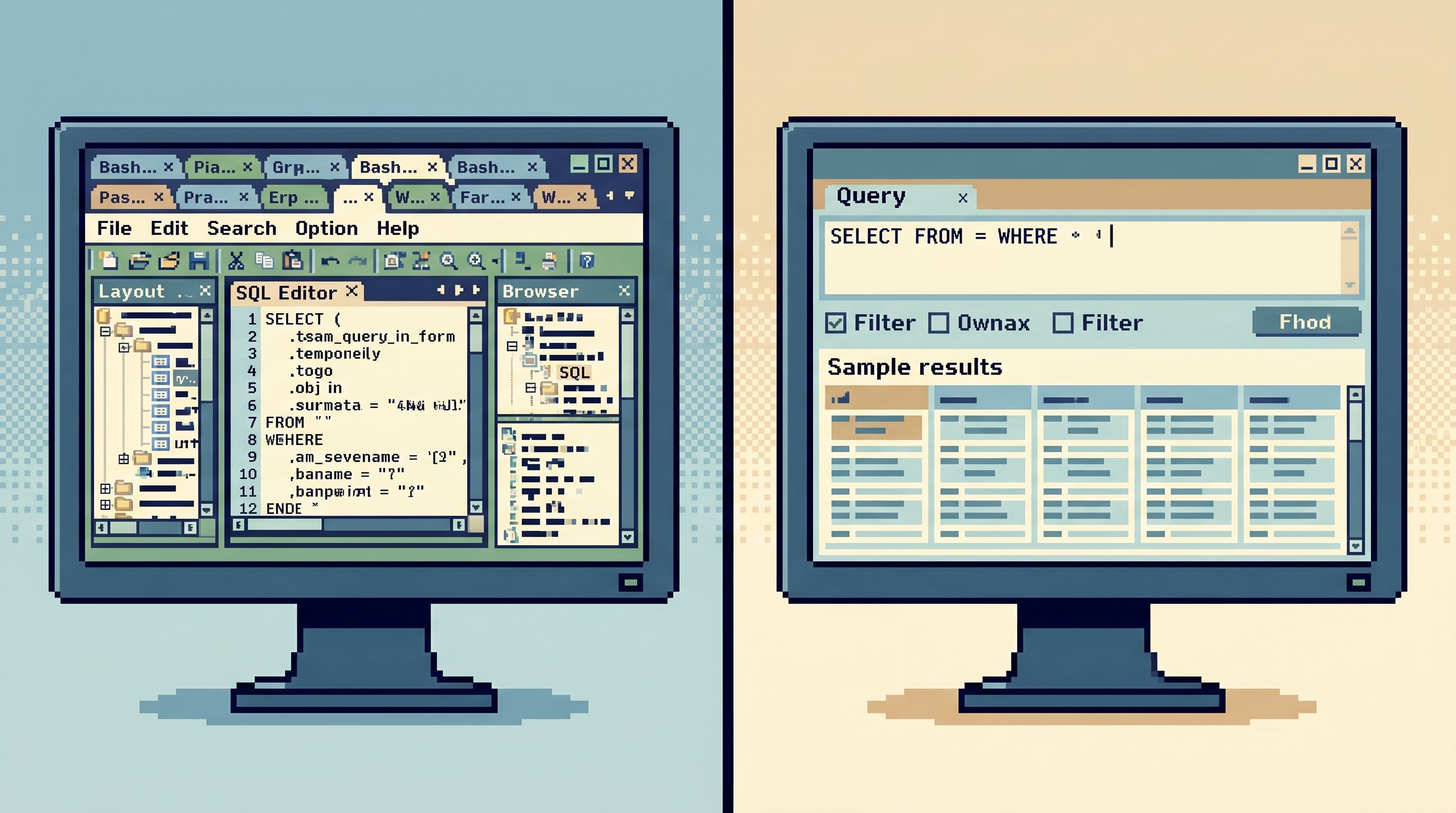
The sandbox is not a place to teach people arbitrary SQL tricks. It’s a place to teach them production‑safe shapes:
- Single‑intent SELECTs.
- Tight WHERE clauses.
- Predictable ORDER BY and pagination.
Patterns to encourage:
- Template queries for common questions:
- "Find this user’s current and previous subscriptions."
- "Show all invoices for this tenant around a given date."
- "Trace this job from enqueue to completion."
- Limited verbs.
- Reads only.
- No DDL.
- No ad‑hoc bulk operations.
This is the same stance as a narrow query editor: just enough SQL to answer real questions, nothing more.
3. Opinionated filters over free‑form search
A sandbox is the perfect place to teach people how to narrow:
- Filter by
user_id,tenant_id, orinvoice_id. - Constrain by time windows.
- Use status fields (
active,canceled,failed) as first‑class pivots.
Opinionated filters:
- Make it harder to accidentally scan half the database.
- Teach good habits that transfer directly to prod.
- Keep the mental model simple: “start from an ID or a time, then narrow.”
This mirrors the argument from Opinionated Filters, Not Free-Form Search: Calmer Patterns for Narrowing Production Data: the tool should guide you toward the right slice, not hand you a blank search box.
How to Introduce a Calm Sandbox on Your Team
You don’t need a giant migration to get started. You need a few deliberate moves.
Step 1: Pick one database and one browser
Start small:
- Choose one primary application database.
- Choose one browser surface — ideally an opinionated tool like Simpl — as the single place people will practice.
Avoid:
- Splitting attention across multiple SQL IDEs.
- Teaching sandbox reads from one tool and production reads from another.
Step 2: Create a safe mirror
Work with your infra or data team to:
- Provision a sandbox database that mirrors production’s schema.
- Seed it with:
- Synthetic or anonymized rows.
- A handful of hand‑crafted edge‑case stories.
- Wire it into your browser as a distinct, clearly labeled environment.
In Simpl, that might look like two connections:
app-db (production)app-db (sandbox)
Same UI. Different risk profile.
Step 3: Define a small set of “practice questions”
Don’t drop people into an empty canvas. Give them concrete questions to answer from the sandbox:
- “What happened to this user’s subscription around their downgrade date?”
- “Why did this invoice total change between two runs?”
- “Which jobs were retrying right before a deploy?”
For each question, you can:
- Provide a starting query or filter.
- Ask them to refine it.
- Review their path together.
This pairs well with the pattern in The Single-Question Onboarding: Teaching New Engineers Production Data Without Overwhelming Them: one real question, one clear path.
Step 4: Practice the incident loop without stakes
Use the sandbox to rehearse your incident workflows:
- Start from a synthetic “alert” (a failing job, a bad invoice, a stuck subscription).
- Walk the team through the same steps they’d take in prod:
- Identify the user or tenant.
- Jump to the relevant tables.
- Read across time.
- Capture the narrative of what happened.
Run this as a short, repeatable drill:
- 30 minutes.
- One scenario.
- One person driving, others observing.
You’re not testing their SQL skills. You’re teaching them how to stay calm, linear, and explanatory.
Step 5: Make the sandbox a default, not a side quest
The sandbox should be:
- The first place new engineers touch your data.
- The recommended place for support and success to learn.
- The safe place to try new query patterns before promoting them to prod.
Cultural nudges:
- Link to the sandbox environment from onboarding docs.
- Encourage people to share “sandbox stories” — interesting queries or narratives they built there.
- When someone asks, “Can I run this in prod?”, ask, “Have you tried it in the sandbox first?”
Common Traps (and How to Avoid Them)
Even with good intent, sandboxes can drift into noise.
Trap 1: The sandbox schema drifts away from prod
If the schema diverges, the sandbox becomes a toy.
Countermeasures:
- Automate schema migrations from prod to sandbox.
- Alert when a migration hasn’t been applied.
- Keep a visible “schema sync status” somewhere in your browser or docs.
Trap 2: The data is too fake to be useful
If every user is Test User and every invoice is $10, people learn nothing.
Countermeasures:
- Periodically refresh with anonymized snapshots.
- Maintain a small set of hand‑crafted “story rows” with rich, varied states.
- Include old edge cases: legacy plan types, deprecated flags, retired flows.
Trap 3: The sandbox becomes a second playground editor
If you let the sandbox turn into a full‑power SQL playground, you’ve missed the point.
Countermeasures:
- Use the same narrow query editor you use in prod.
- Keep the same opinionated filters.
- Disallow writes here as well — the skill you’re teaching is reading, not hacking around broken fixtures.
Trap 4: No one knows when to graduate to prod
A sandbox is not a permanent home. It’s a practice field.
Signals that someone is ready for production reads:
- They can answer a real question end‑to‑end in the sandbox.
- They can explain their query in plain language.
- They naturally reach for narrow filters and IDs.
At that point, you give them calm, constrained access to prod — ideally through the same browser, with the same guardrails, as discussed in posts like The Calm Query Cliff: Designing Browsers That Make Risky SQL Hard to Even Think About.
Where Simpl Fits
Simpl is built around this exact posture:
- An opinionated database browser that treats production understanding as a calm, linear activity.
- A narrow query editor tuned for everyday reads, not arbitrary experiments.
- Intent‑first navigation that starts from the question you’re asking, not the object tree you happen to click.
Point Simpl at both your production database and your sandbox mirror, and you get:
- One surface.
- Two risk profiles.
- The same calm habits everywhere.
Your team learns how to read production data once, safely, and then applies that muscle memory when it matters.
Summary
A calm query sandbox is not another environment to maintain. It’s a deliberate training ground for the exact reads your team will run in production.
Done well, it gives you:
- A safe place to practice real, production‑shaped questions.
- A shared set of query patterns and narratives.
- Faster, calmer incident response.
- Shorter, more grounded onboarding.
The key moves:
- Mirror your production schema closely, with safe, representative data.
- Use the same opinionated browser — something like Simpl — for both sandbox and prod.
- Teach people a small set of reliable query shapes, not a thousand tricks.
- Make the sandbox the default starting point for anyone learning to read your data.
You’re not just giving people a place to “play with SQL.” You’re giving them a way to practice being calm around real systems, before the stakes are real.
Take the First Step
You don’t need a full platform overhaul to get started. This week, you can:
- Pick one database.
- Stand up a safe mirror.
- Point a calm browser like Simpl at both.
- Write down three real questions and answer them together in the sandbox.
From there, keep going: rehearse incidents, refine your patterns, and slowly invite more of the team into production reads — with the confidence that they’ve already practiced the moves.
Calm production work doesn’t start in production. It starts in the sandbox you design on purpose.