The Quiet Read-Replica Pattern: Safe Production Insight Without a Second Tool Surface

Production data is where the truth lives.
It’s also where the stress lives.
Most teams respond by adding a read replica, then quietly recreating the same sprawl of tools they already had on primary: a SQL IDE here, a BI tool there, a one-off admin console “just for debugging.” You get safety in theory, and a second surface area to secure, maintain, and teach in practice.
There’s a calmer option: a quiet read‑replica pattern.
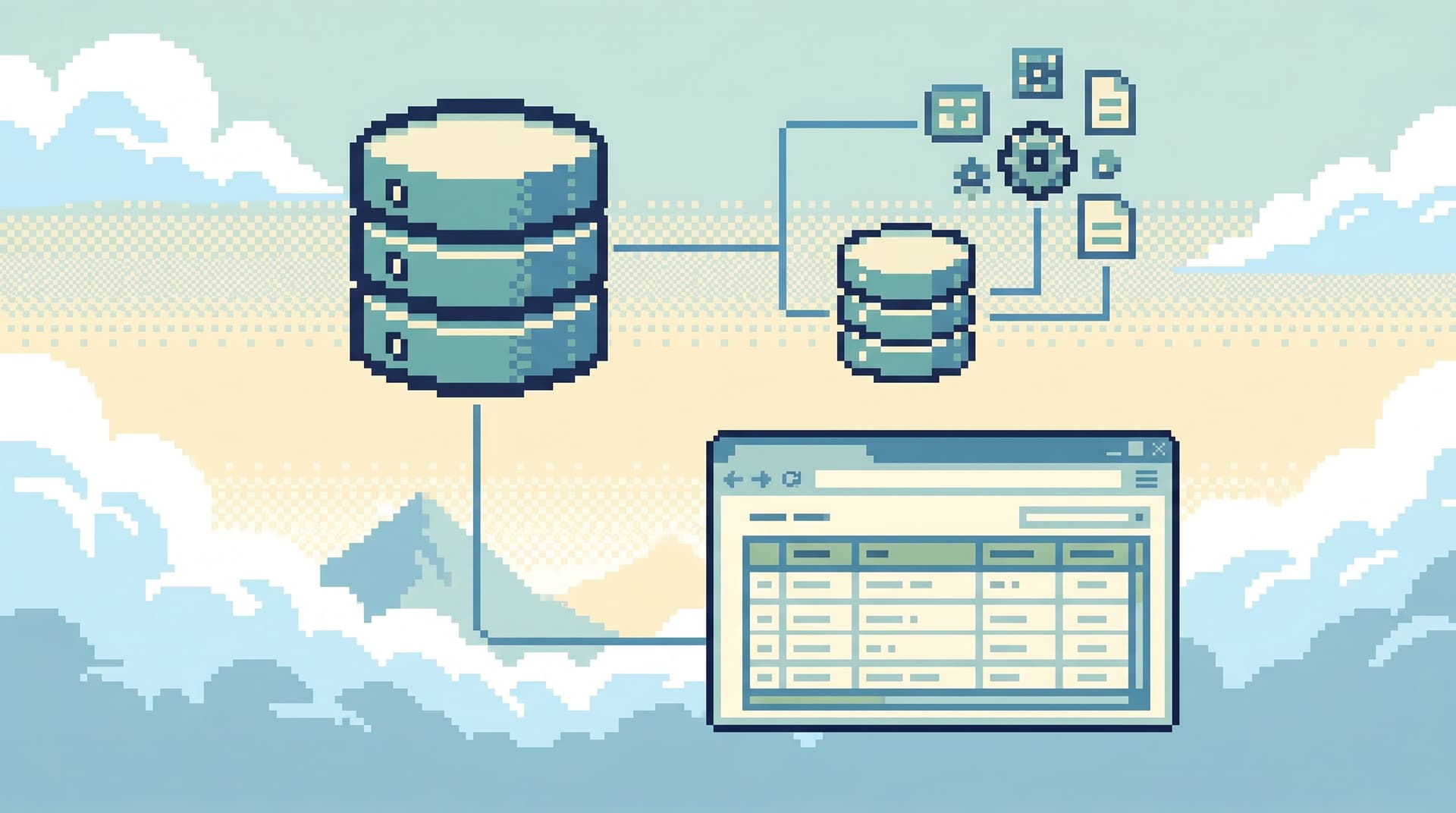
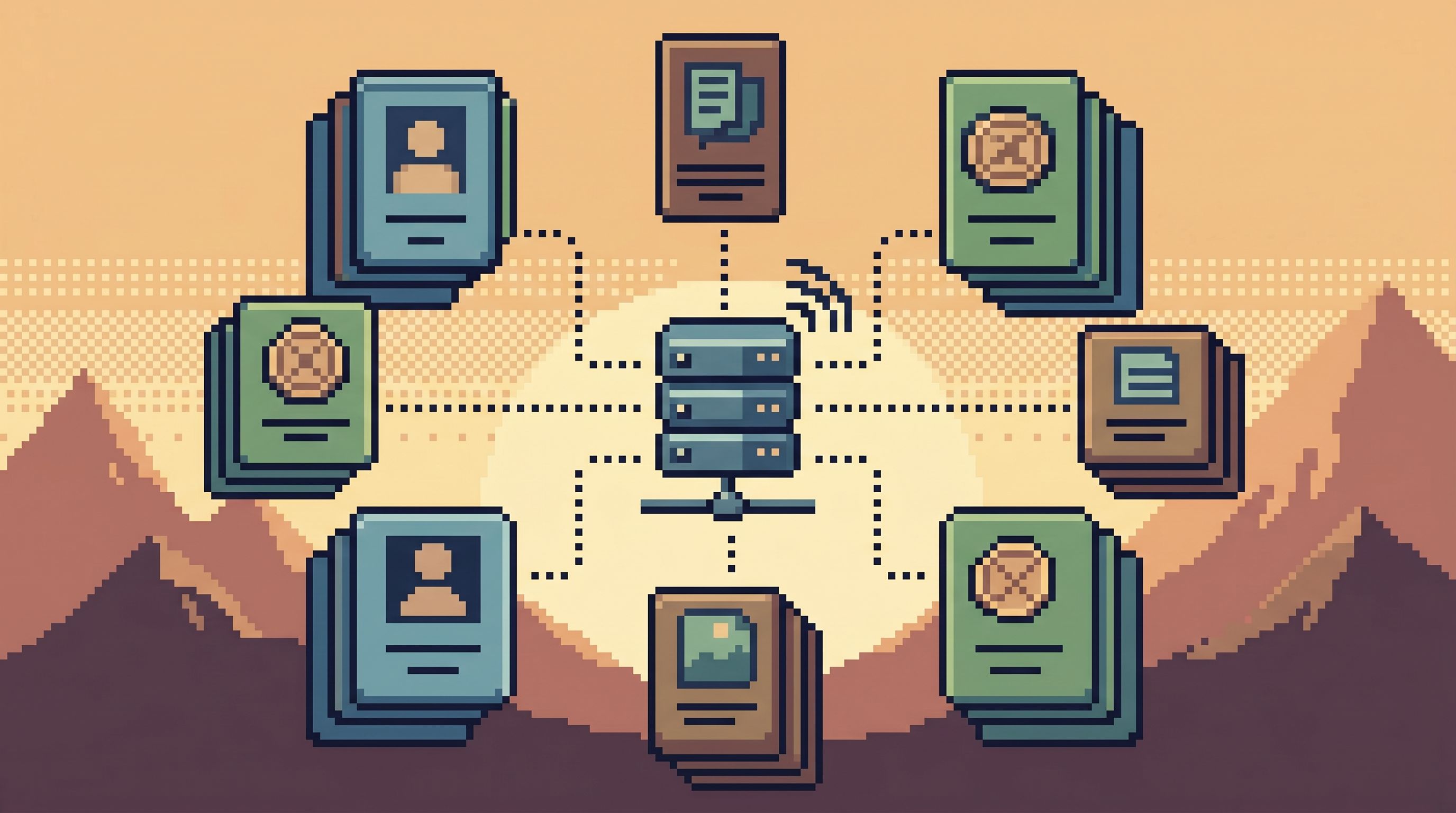
Instead of treating your replica as a new playground, you treat it as a single, opinionated window into production. One interface. One set of habits. One place to look when you need to understand what actually happened—without the risk of accidentally leaning on primary or spawning a second stack of tools.
This post is about that pattern: how to use a read replica to get safe, focused production insight without creating a second tool surface.
Along the way, we’ll draw on ideas from related posts like The Calm Read-Replica: Structuring Safe Production Peeks Without a Second Tool Explosion and From Query Zoo to Query Library: Curating Reusable Read Paths for a Calmer Stack.
Why this pattern matters
A read replica is simple on paper: a copy of your primary database, continuously replicated, that you only read from.
In practice, what you do around that replica is what determines whether it makes your life calmer or noisier.
Common failure modes:
- Tool duplication
- Primary uses one SQL IDE; replica uses another.
- BI tools point at both, with slightly different models.
- Staging, primary, and replica each have their own consoles.
- Access confusion
- “Is this role safe on primary or only on replica?”
- “Can support use this tool, or is it just for engineers?”
- Query drift
- The “safe” queries live on replica-only tools.
- The “power” queries live on primary-only tools.
- No one is sure which is canonical.
- Operational drag
- Every new teammate needs a tour of three different ways to read the same data.
- Every incident starts with, “Which tool should I open?”
The quiet read‑replica pattern takes a more opinionated stance:
One primary way to look at production data. That way happens to use a read replica.
You still get the core benefits of a replica:
- Load isolation – investigative queries don’t compete with user traffic.
- Blast-radius control – you can’t accidentally write to primary.
- Access separation – broader read access without exposing write paths.
But you avoid the usual cost: a second ecosystem of tools, roles, and habits.
The core idea: one browser, two environments
The simplest version of this pattern:
- You have one opinionated database browser that your team uses for both staging and production reads.
- Production reads are always served from a read replica, never from primary.
- Staging and replica feel the same in the tool: same flows, same guardrails, same query library.
Tools like Simpl are built around this stance: a calm, opinionated database browser for focused reads, not an admin console or full BI suite.
The key is not the specific product. It’s the constraint:
- One main entry point for:
- Incident debugging
- Support investigations
- Product questions that need row-level truth
- Replica-backed by default for any production environment
- No separate “prod console” that bypasses the pattern
If you want to see how this looks across staging and production, The Focused Staging Flow: Using One Opinionated Browser for Both Test and Prod Reads goes deeper on that side.
Step 1: Make the replica the only door for production reads
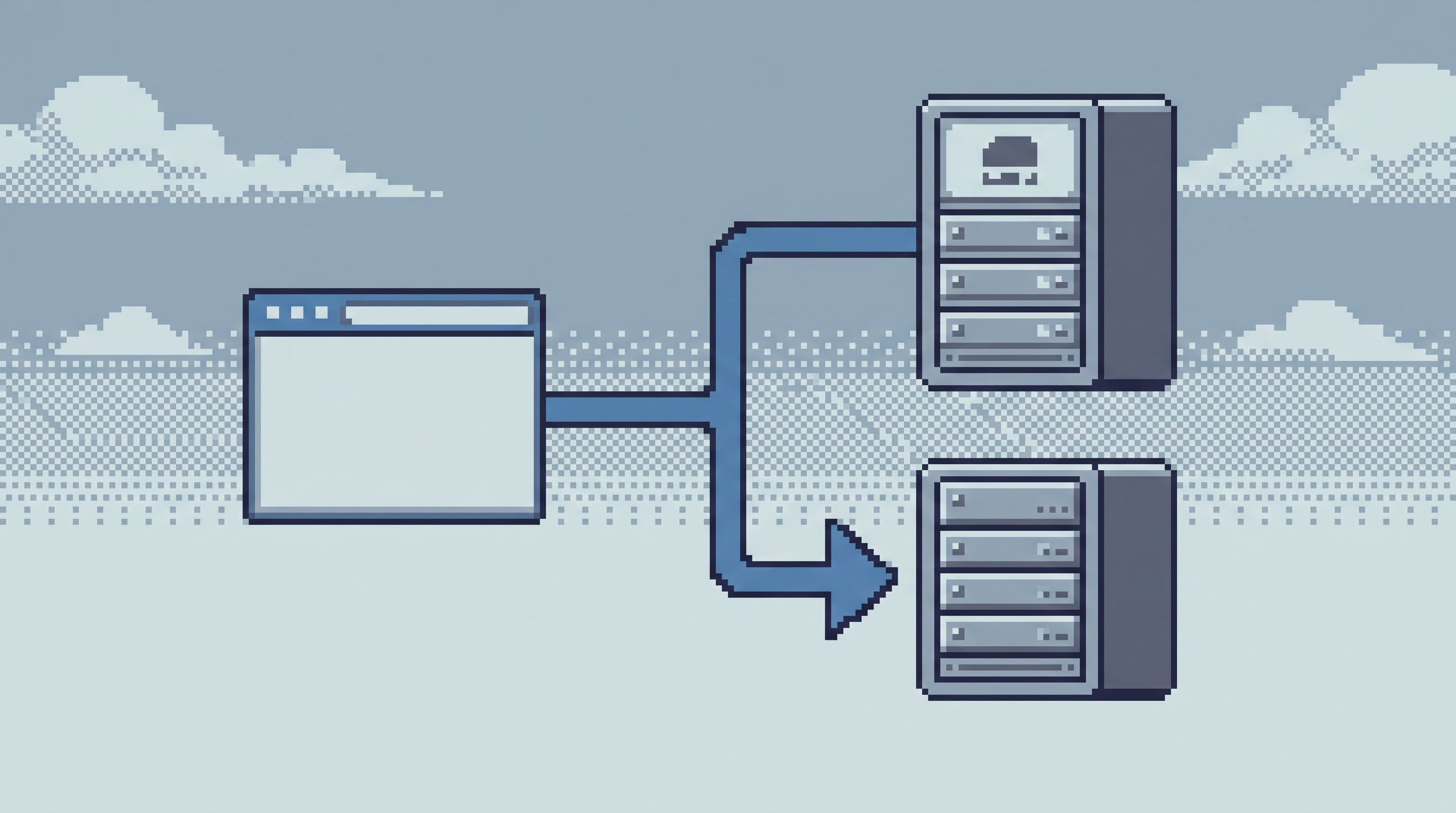
The first move is architectural, not cultural: treat your read replica as the only way to read production data from tools.
Concretely:
-
Point your browser at replica, not primary
- The connection string for your production environment in your database browser should always point at the replica.
- Lock this in config, not per-user preferences.
-
Remove primary from general-purpose tools
- Don’t connect your shared SQL IDE to primary at all.
- If you must have a primary connection for rare admin tasks, keep it:
- In a separate, locked-down tool.
- With a very small, clearly named group.
-
Route BI and reporting carefully
- For operational BI that queries live OLTP data, prefer the replica.
- For warehouse/analytics, keep those tools separate; they’re answering different questions.
-
Treat “read from primary” as an escalation
- Document when you might read directly from primary (e.g., replica lag during a critical incident).
- Make it a page-out moment, not a casual toggle.
The goal: if someone on your team says, “I’m going to look at production data,” what they mean in practice is, “I’m going to open the browser that talks to the replica.”
Step 2: Collapse tool surfaces into one calm browser
A replica by itself doesn’t reduce mental load. In fact, it can increase it if you bolt on more tools.
The quiet pattern is to collapse surfaces, not expand them:
-
Prefer one browser over many tools
- Instead of:
- Admin console for user lookups
- SQL IDE for ad-hoc debugging
- BI tool for quick aggregates
- Aim for:
- One browser session that can answer all three calmly.
- Instead of:
-
Pick tools that are read‑only by design
- A general-purpose admin console is dangerous, even on a replica.
- A browser like Simpl is intentionally read-focused: no migrations, no schema changes, no “just this one write.”
-
Retire duplicate flows
- If your support team has a custom internal tool that’s now fully covered by your browser’s read paths, consider deprecating it.
- If your engineers use a SQL IDE only for read queries, move those into the browser and shrink IDE usage to local dev.
-
Design for trails, not tabs
- Long debugging sessions should feel like one continuous read path, not a pile of half-open tools. Less Tabs, More Trails: Structuring Long Debugging Sessions as One Continuous Read Path dives deeper into this mindset.
This is where an opinionated browser helps: it gives you enough power to replace three tools, without tempting you into write operations or schema surgery.
Step 3: Encode safe read paths instead of free‑form access
A replica doesn’t magically make bad queries good. A SELECT * on a hot table can still hurt you, even if it’s not hitting primary.
So the quiet pattern pairs the replica with opinionated read paths:
-
Start from real questions, not tables
- “What happened to this user’s last three orders?”
- “Why did this payout get stuck?”
- “What changed for this tenant after yesterday’s deploy?”
-
Turn those into curated queries
- Parameterized, narrow, and well-scoped.
- Reviewed once, reused many times.
-
Store them in a shared library, not scattered snippets
- Inside your browser, not in Slack or personal notebooks.
- Named clearly:
user_journey_summary,payout_stuck_in_processing, etc.
-
Add gentle guardrails
- Default
LIMITclauses. - Pre-filtered by tenant, environment, or time range.
- No
SELECT *on large tables.
- Default
This is the shift from a query zoo to a query library. You’re not banning ad-hoc SQL; you’re making the safe, reusable paths the default starting point.
A tool like Simpl is designed for exactly this: turning one-off investigations into calm, repeatable read paths that anyone on the team can reuse.
Step 4: Align roles and permissions with real read work
Once the replica is the default and the browser is the main surface, permissions become simpler—but they still matter.
Instead of generic “read-only” roles scattered across tools, design access around real read work:
-
Map personas to read paths, not schemas
- Support might need:
- User account overviews
- Subscription state
- Recent billing events
- Product might need:
- Feature flag state for a tenant
- Recent experiment assignments
- Engineering might need:
- Deeper incident trails
- Migration impact checks
- Support might need:
-
Grant access at the level of paths
- Support can run specific, safe queries and views.
- Engineers can also create and edit those queries.
- Very few people can define connections or environments.
-
Use the replica to widen, not loosen, access
- More people can safely read from replica than from primary.
- But they should still be constrained by:
- Which environments they see
- Which query sets they can run
-
Avoid per-tool role drift
- If you must keep other tools (e.g., BI), align their access model with the browser’s as much as possible.
- Document the browser as the source of truth for “who can see what” in production.
If you want a deeper dive on structuring roles around real read work, The Calm Access Model: Structuring Roles Around Real Read Work, Not Org Charts is a good companion.
Step 5: Design for incident calm, not incident heroics
The quiet read‑replica pattern earns its keep during incidents.
When something breaks, you want:
-
One place to open
- Not “Which console?” but “Open the browser.”
-
One environment to trust
- “Production” in the tool always means “replica of real production,” with clear labeling.
-
One trail to follow
- A sequence of focused reads that tell the story, not a scatter of experiments.
You can support this by:
-
Creating incident-ready read paths
- Pre-built queries for:
- “User X’s recent events”
- “Tenant Y’s last N orders”
- “Changes for feature Z in the last 24 hours”
- Pre-built queries for:
-
Encouraging anti-notebook sessions
- Stay inside the browser.
- Avoid copying queries into notebooks “just to try something.”
- Keep the investigation linear and shareable.
-
Reviewing trails after the fact
- Which queries did we run?
- Which ones should become part of the library?
- Which ones were risky and need guardrails?
Over time, your replica-backed browser becomes not just a tool, but a memory of how you debug. Each incident leaves behind a calmer starting point for the next one.
Step 6: Be honest about replica lag and edge cases
A quiet pattern is not a naive pattern. Read replicas have tradeoffs:
-
Replication lag
- During heavy write bursts, your replica may be seconds or minutes behind.
- For some questions (“What happened last week?”) this is irrelevant.
- For others (“Did the fix just apply?”) it matters.
-
Eventual consistency surprises
- You might see partial writes.
- A row may appear in one table but not yet in a joined table.
-
Operational failure modes
- Replica falls behind or breaks replication.
- Failover scenarios where “replica” becomes “new primary.”
Design your pattern around these realities:
-
Make lag visible in the browser
- Show replica delay prominently.
- Teach people what “safe enough” means for their use cases.
-
Document the rare path to primary reads
- Who is allowed to do it.
- Which tool they use.
- What guardrails still apply.
-
Test your incident drills against replica behavior
- Run game days where you:
- Investigate using only the replica-backed browser.
- Practice the escalation path when replica lag is too high.
- Run game days where you:
The goal is not perfection. It’s predictability: everyone knows what the replica is good for, when it might mislead, and how to respond.
Putting it all together
A quiet read‑replica pattern looks like this in practice:
-
Architecture
- Production read traffic from humans flows to a read replica.
- Primary is reserved for application writes and rare admin operations.
-
Surface area
- One primary browser for production reads, backed by the replica.
- Other tools exist, but they’re not the default way to “look at prod.”
-
Read paths
- Common investigations are encoded as curated, parameterized queries.
- Ad-hoc SQL is allowed but starts from safe defaults and guardrails.
-
Access
- Roles are defined by what people need to see, not by job title alone.
- More people can read from replica, but within opinionated boundaries.
-
Incidents
- Debugging means opening the browser, not hunting for tools.
- Trails are linear, replayable, and improve over time.
A tool like Simpl leans into this pattern: one calm, opinionated interface that treats the read replica as the normal way to see production, not a special-case environment that demands its own stack.
Summary
The quiet read‑replica pattern is less about infrastructure and more about posture:
- Use a read replica as your default production window, not just another endpoint.
- Collapse tools into one calm browser, instead of exploding surfaces around the replica.
- Encode safe, reusable read paths so people don’t have to improvise under pressure.
- Align roles and permissions with real read work, widening safe access without widening risk.
- Design incident flows around the browser, so every investigation leaves a trail, not just a memory.
- Be honest about replica tradeoffs, and make lag and edge cases first-class in your workflows.
Done well, you get the best of both worlds: the truth of production data, with the safety and focus of a smaller, calmer surface.
Take the first step
You don’t need a full rewrite to move toward this pattern. A small, concrete change is enough to start:
- Point your primary database browser at a read replica instead of primary.
- Pick one recurring investigation (a support flow, a common incident) and turn it into a curated query or read path.
- Decide, as a team, that “looking at production” means “opening that browser,” not jumping between five tools.
From there, you can iteratively add guardrails, roles, and trails.
If you want a tool that’s built around this way of working from the start, explore Simpl — an opinionated database browser designed to make read replicas feel like a calm, single source of truth for production insight, not the start of a second tool explosion.