The Calm Read-Replica: Structuring Safe Production Peeks Without a Second Tool Explosion

Production data is where the real story lives.
It’s also where the real risk lives.
Most teams feel this tension the moment they add their first read replica. Suddenly there’s a “safe” place to point dashboards, ad‑hoc queries, and incident debugging. Just as suddenly, there’s a new risk: a second gravity well of tools, roles, and half‑maintained flows.
This post is about a quieter pattern: using a read replica as a calm, opinionated window into production—not as an excuse to spawn yet another stack of consoles, BI tools, and notebooks.
We’ll focus on how to:
- Design a replica specifically for production reads
- Route the right work there (and keep the wrong work out)
- Avoid creating a second, shadow tool universe
- Use an opinionated browser like Simpl to keep the whole setup small, safe, and understandable
If you’ve ever thought “we added a replica and somehow debugging still feels stressful,” this is for you.
Why a Calm Read-Replica Matters
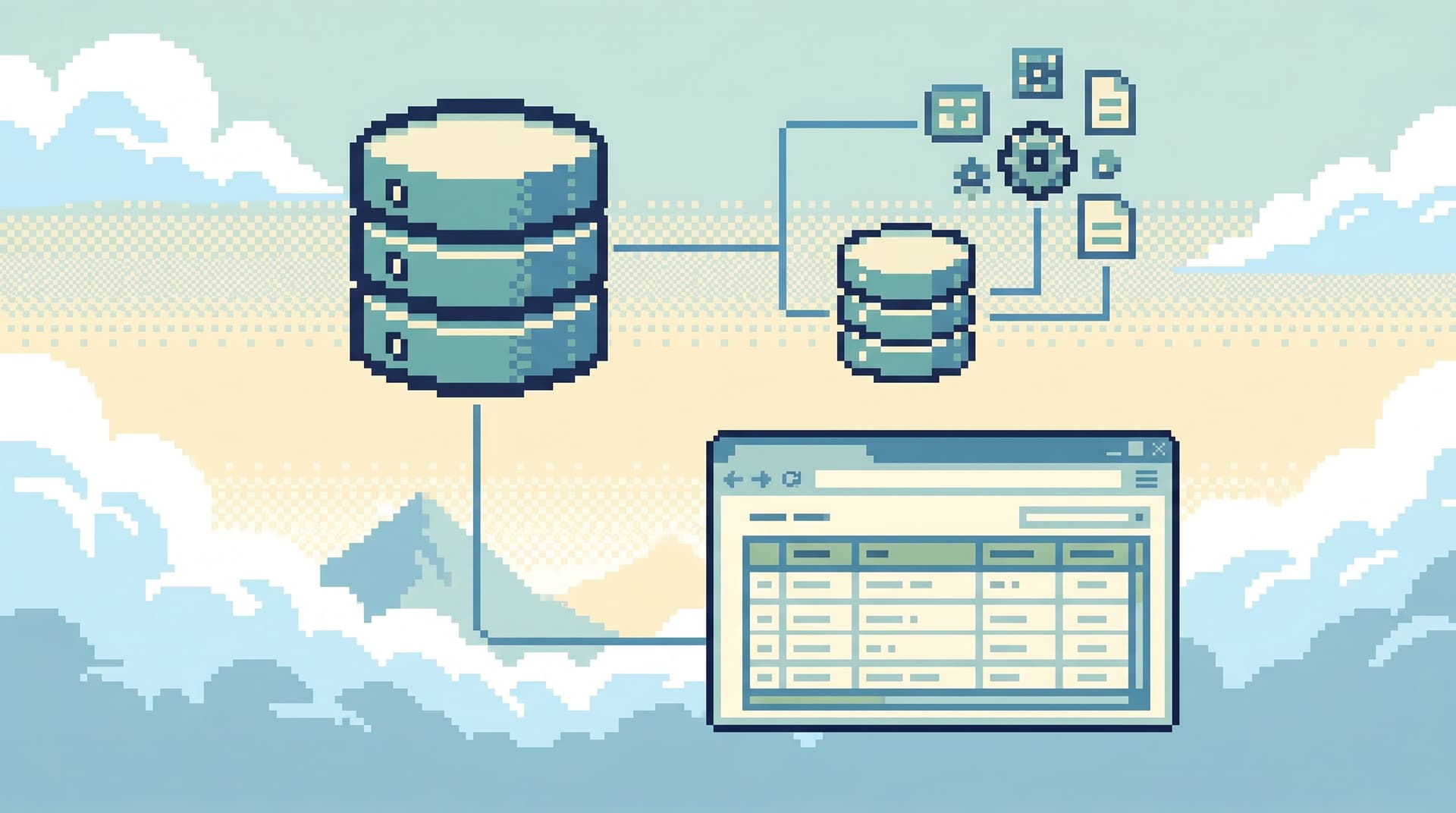
A read replica is simple in theory: a secondary database instance that continuously replays changes from the primary and serves read‑only queries. Writes go to the primary; reads can fan out to one or more replicas.
Most relational systems and managed offerings now support some form of read replica:
- PostgreSQL physical and logical replicas
- MySQL replicas and managed variants like Amazon RDS Read Replicas
- SQL Server readable secondaries via Always On availability groups
- Cloud flavors in services like Amazon RDS, Azure Database, and others
The pattern is well‑worn: offload read traffic, especially heavy reporting and dashboards, so the primary can focus on transactional work.
But for engineering teams, the deeper value is not just scale:
- Safer production reads. Pointing incidents, support investigations, and internal tools at a replica reduces the chance that a slow or poorly scoped query competes with live user traffic.
- Cleaner access conversations. It’s easier to grant broader read access to a replica with strong guardrails than to the primary itself.
- Better debugging posture. When combined with opinionated read paths, a replica becomes the default place to answer “what happened?” without fearing you’ll knock over the app.
The catch: if you bolt the replica onto the same noisy tool stack, you’ve just duplicated your problems. You now have:
- Two SQL IDEs, both “kind of” pointed at prod
- Dashboards split across primary and replica
- A separate “support DB” browser that no one fully trusts
The goal is different: one calm read surface, backed by a replica, with clear rules about what belongs there.
What a Calm Read-Replica Setup Looks Like
A calm replica is less about infrastructure and more about boundaries.
At a high level:
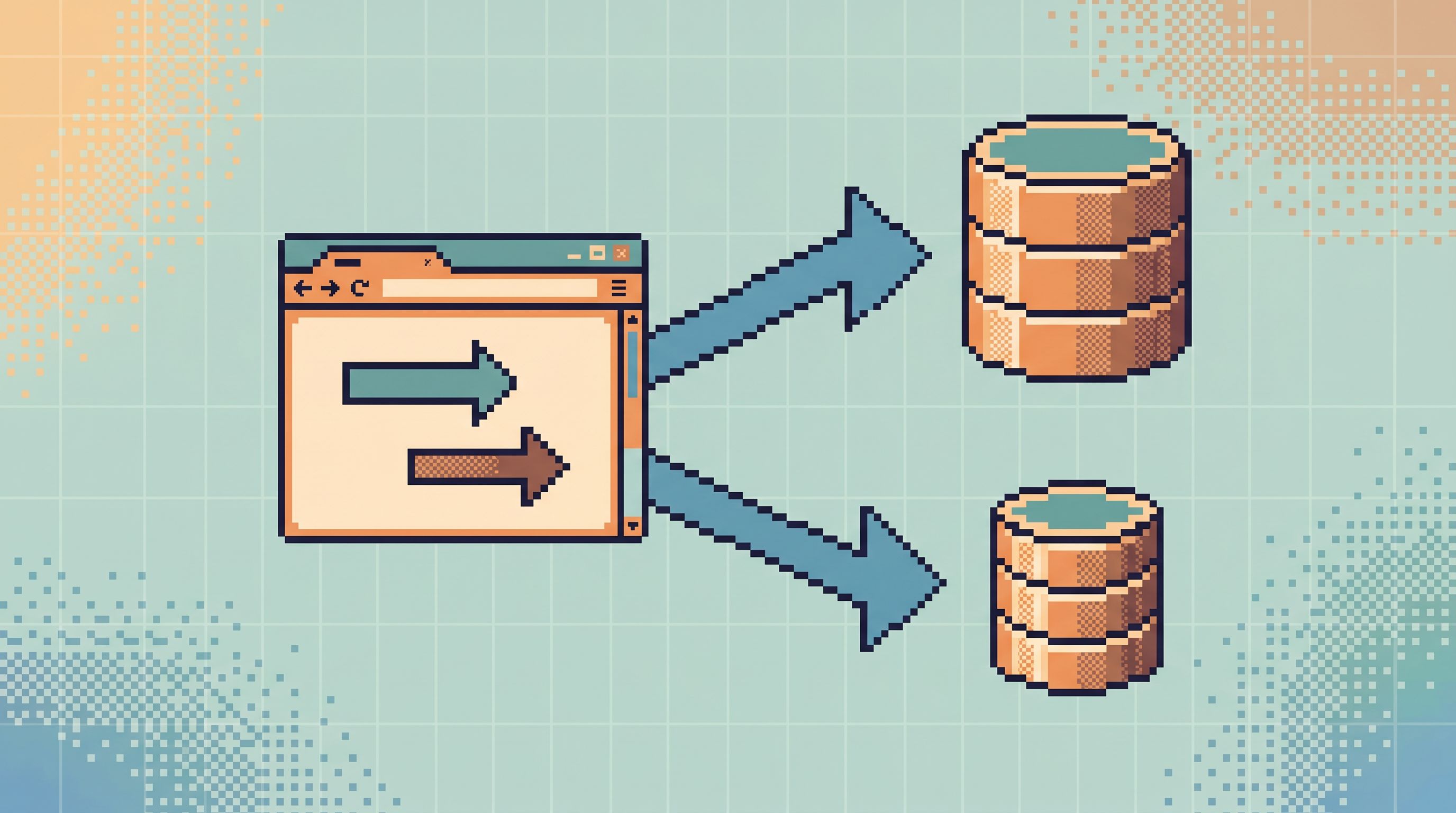
- Primary: handles all writes and the most latency‑sensitive reads
- Replica: handles the majority of investigative, reporting, and support reads
- One opinionated browser: like Simpl, used for both staging and production reads, with the replica as the default target
You’re aiming for:
- One main way to look at production data (not five)
- A small set of “blessed” read paths that cover most incident and support work
- Guardrails that make unsafe queries and accidental writes unlikely
If you’ve read about turning ad‑hoc SQL into reusable flows, you’ve seen this pattern before in From Query Zoo to Query Library. The calm read‑replica is the infrastructure side of that same idea.
Where Teams Go Wrong With Read Replicas
Before we design the calm version, it helps to name a few common failure modes.
1. Treating the Replica as a Free-for-All
The logic sounds harmless:
“It’s a replica, so we can run whatever we want.”
The reality:
- Heavy, unbounded reporting queries saturate CPU and I/O on the replica
- Replication lag grows, so “near real‑time” views quietly drift minutes behind
- People start to distrust numbers because “the dashboard is always a bit off”
The replica becomes a noisy analytics warehouse, not a crisp production mirror.
2. Spinning Up a Second Tool Universe
You add a replica and then:
- Create a “reporting” SQL IDE connection
- Add a second database browser for support
- Wire a new BI workspace to the replica
Now every incident starts with, “Wait, which tool is pointing where?” You’ve increased surface area and cognitive load without increasing clarity.
This is exactly the kind of sprawl we argued against in From BI Fatigue to Focused Reads and The Anti-Tab Debug Session.
3. Ignoring Freshness Boundaries
Replication lag is a feature, not a bug. But if you don’t design around it, you get:
- Support screens that say “no order found” for just‑placed orders
- Incident flows that miss the most recent changes
- Confusion about “why staging shows X but prod shows Y” when one is hitting primary and the other a lagging replica
A calm setup acknowledges: some reads must hit primary, and that’s fine. The goal is to make those the exception, not the default.
Step 1: Decide What Belongs on the Replica
Start with intent, not objects.
List the concrete read jobs your team does against production, for example:
- “Investigate a single user’s journey through signup, billing, and notifications”
- “Answer a support ticket about a failed payout”
- “Compare a tenant’s state before and after a migration”
- “Review yesterday’s failed jobs for a batch process”
For each, decide:
-
Freshness requirement
- Must include the latest committed write? (e.g., checkout confirmation)
- Safe to be seconds behind? (e.g., most support tickets)
- Safe to be minutes behind? (e.g., internal KPIs)
-
Blast radius tolerance
- Would a slow query here be acceptable if it protects primary?
- Is this job likely to involve broad scans or experimental filters?
A calm rule of thumb:
- Replica by default for:
- Support investigations
- Incident debugging of historical behavior
- Internal dashboards and operational queues
- Read‑heavy internal tools
- Primary only for:
- Customer‑facing flows that must reflect the latest write
- Critical risk checks (fraud, inventory) tightly coupled to transactions
Write this down. You’re designing read paths, not just connections.
Step 2: Shrink the Number of Tools, Not Grow Them
Once you know what belongs on the replica, the next move is counterintuitive: remove tools.
Aim for:
- One main database browser for humans (engineers, support, product)
- Zero direct connections to the primary from ad‑hoc tools
- BI and heavy analytics either:
- pointed at a separate warehouse, or
- carefully scoped on the replica with guardrails
This is where an opinionated browser like Simpl fits:
- Same interface for staging and production
- Same read paths reused across environments
- Quiet defaults that steer people toward safe, focused reads
Instead of “prod console vs staging console vs BI vs IDE,” you get one browser session that can follow a trail across environments without opening new tools. That’s the same posture we describe in The Focused Staging Flow.
Step 3: Encode Calm Defaults on the Replica
A replica is only “safe” if the way you use it is safe.
Some practical defaults to bake into your main browser (and, where possible, into the database itself):
1. Read-Only by Construction
- Use database‑level settings or user roles that cannot perform writes on the replica.
- In your browser, hide or disable any UI affordances that suggest mutation: no “edit row,” no inline updates, no schema changes.
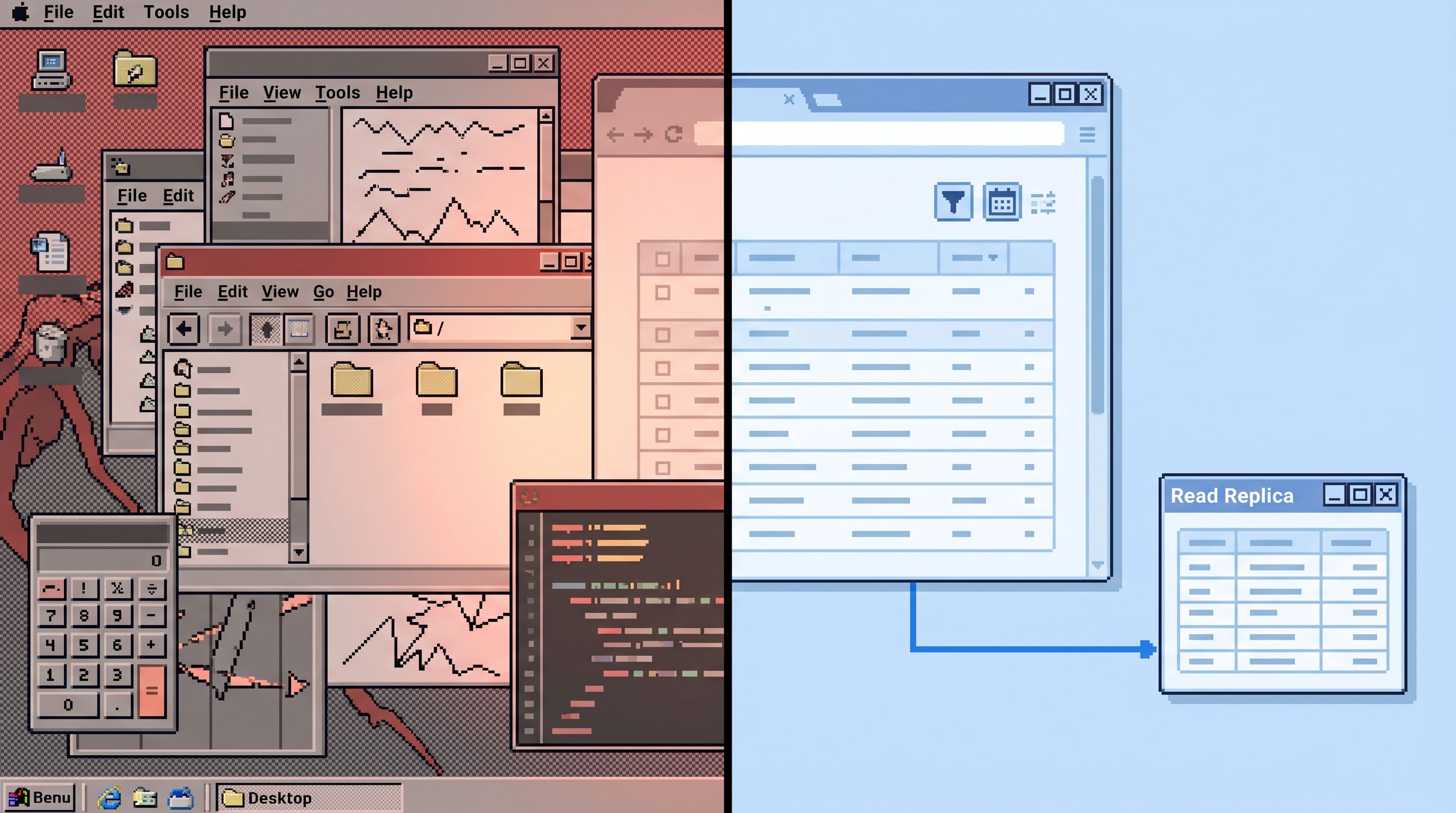
This shifts the mental model: the replica is a reference library, not a sandbox.
2. Guardrails on Expensive Reads
On the UX side:
- Default limits (e.g., 100–500 rows) on free‑form queries
- Encouraging parameterized filters (user ID, tenant ID, time range)
- Warnings or soft blocks for
SELECT *on large tables
On the database side:
- Resource groups or workload management to cap runaway queries
- Monitoring on replication lag and replica CPU, with alerts when guardrails are breached
We’ve cataloged these patterns in more depth in The Calm Guardrail Catalog and Quiet Defaults for Loud Systems.
3. Opinionated Read Paths Instead of Raw SQL
The calmest replica setups don’t start from a blank editor. They start from:
- Saved flows for “user journey,” “payout investigation,” “migration diff”
- Pre‑scoped queries with parameters, not arbitrary WHERE clauses
- Links between views so you can move from “user” → “orders” → “payments” without re‑inventing joins
From Query Zoo to Query Library goes deep on this. The key idea: the replica is where those read paths live and evolve, not where everyone free‑hands SQL.
Step 4: Make Primary Reads the Exception, With Friction
You won’t get to zero primary reads. That’s not the goal.
The goal is:
- 90–95% of production questions are answerable on the replica
- The remaining 5–10% are:
- Clearly documented
- Routed through a narrower set of people or flows
- Surrounded by extra friction
Examples of healthy friction:
- Separate connection in your browser explicitly labeled “Primary (rare use)”
- Additional confirmation step when switching an existing read path from replica to primary
- Stronger row limits and tighter filters enforced on primary connections
This keeps the default posture calm: when you open your browser to look at production data, you land on the replica, with all the guardrails and read paths you expect.
Step 5: Tie the Replica into Your Incident and Support Flows
A replica is only as useful as the workflows that touch it.
Make it the default in:
-
Incident runbooks
- “When investigating user‑level anomalies, open Simpl on the production replica and use the
User Storypath.” - “When validating a migration, use the
Before/After Tenant Diffpath against the replica first.”
- “When investigating user‑level anomalies, open Simpl on the production replica and use the
-
Support tooling
- Wire your internal support UI to read from the replica for most screens.
- For the few that must be up‑to‑the‑second, explicitly document that they hit primary.
-
Post‑incident reviews
- Capture which read paths were used on the replica.
- Turn any ad‑hoc queries that showed up in Slack into new, reusable flows.
This is how you grow a post‑query culture, where each incident leaves the replica—and your read paths—a little better than before. For more on that, see The Post-Query Culture.
Step 6: Keep the Replica Boring Over Time
The calm read‑replica is not a one‑time project. It’s a posture.
A few maintenance habits that help:
- Regularly prune tools. If a new console or BI workspace pops up against the replica, ask why. Can that use case live inside your main browser instead?
- Watch replication lag. When lag spikes, don’t just add hardware. Ask which queries are doing the damage and whether they belong on the replica at all.
- Version your read paths. When schema changes land, update the flows that depend on them so people aren’t chasing stale joins.
- Review access quarterly. Who can hit primary? Who can hit the replica? Does that still match the real read work being done?
The goal is not perfection. The goal is a system where most days, most people can answer production questions calmly from one place, without wondering if they’re about to step on a landmine.
How Simpl Fits Into This Picture
Simpl is built around this exact use case: a calm, opinionated database browser for production reads.
In a read‑replica setup, teams typically:
- Point Simpl at both staging and production replica, with the same read paths reused across environments
- Use quiet defaults—row limits, parameterized filters, guardrails—to keep replica queries focused
- Reserve primary connections for rare, high‑stakes reads with extra friction
The result is:
- One browser, not five tools
- One mental model for how to follow a user, tenant, or entity across tables and services
- One place where post‑incident learnings turn into better read paths next time
You get the safety of a replica without the usual side effect: a second, noisy tool universe.
Summary
A read replica is not just a scaling trick. Used well, it’s a way to make production data feel calmer.
The key moves:
- Start from read jobs, not from infrastructure
- Default those jobs to the replica whenever freshness allows
- Shrink the number of tools; favor one opinionated browser over many consoles
- Encode quiet defaults and guardrails so the replica is actually safe to use
- Make primary reads the exception with friction, not the default
- Tie everything into your incident and support flows, so the replica is the natural place to look
Done this way, the read replica becomes what it should have been all along: a clear, safe window into how your system behaves, not another source of noise.
Take the First Step
You don’t need a full redesign to start.
Pick one small move:
- Point your main investigative tool—ideally an opinionated browser like Simpl—at your production replica.
- Choose one common investigation (e.g., “user can’t log in”) and design a single, reusable read path for it on the replica.
- Remove one redundant tool or direct primary connection that no longer needs to exist.
Then run your next incident or support ticket through that path.
If it feels calmer, clearer, and less risky, you’re on the right track. From there, it’s just repetition: one read path, one guardrail, one removed tool at a time.