The Calm Data Shift: Redesigning On‑Call So Most Incidents End at the Database, Not the War Room

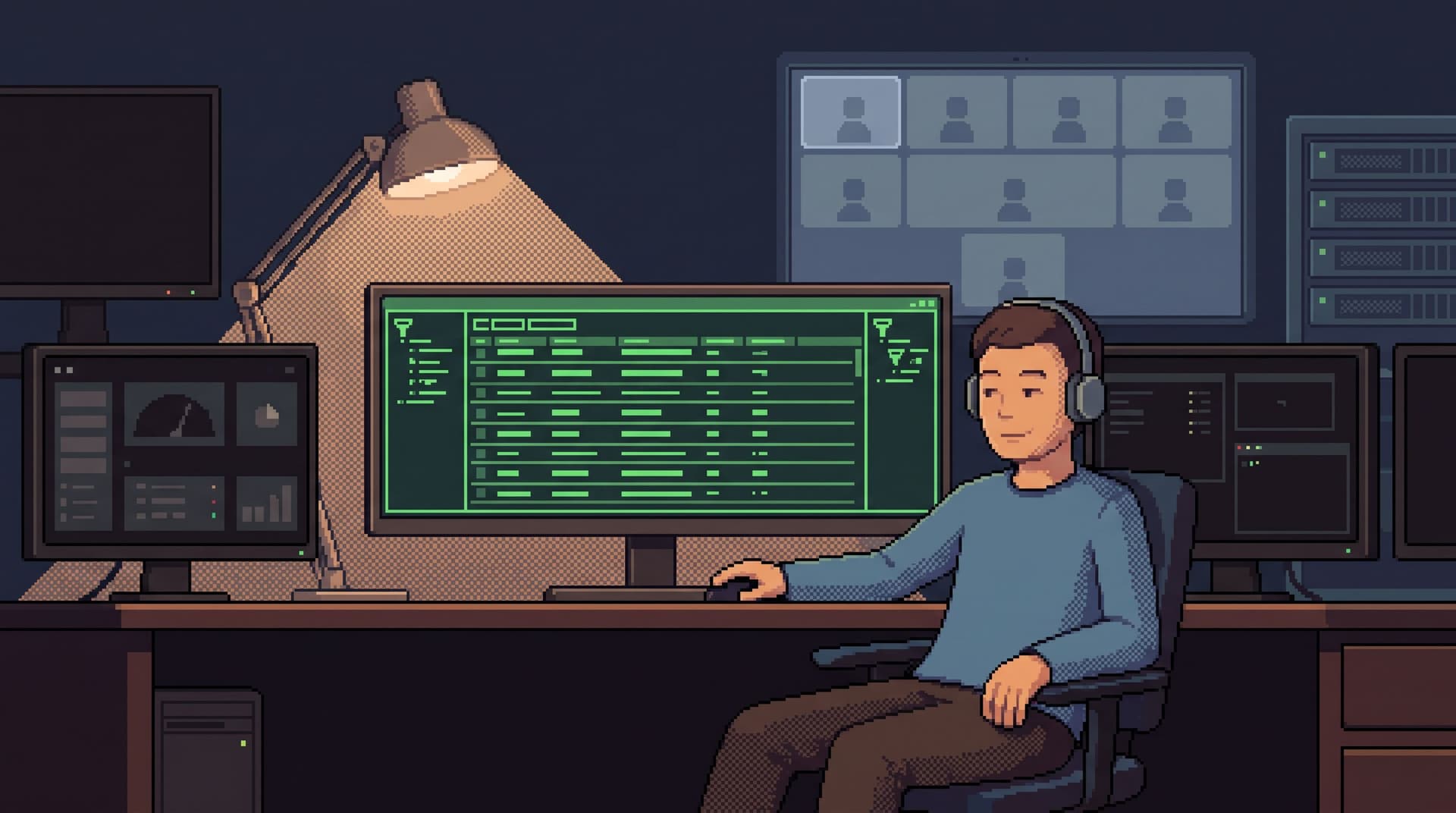
On‑call doesn’t have to mean a crowded Zoom, six dashboards, and a Slack channel that reads like a live transcript of panic.
Most incidents end the same way:
- Someone tells a clear story about which rows were affected.
- A small set of concrete records explain the behavior.
- A decision is made from data that lives in the database, not in the war room.
The Calm Data Shift is about designing your on‑call posture around that reality.
Instead of:
- Alerts → dashboards → more dashboards → war room → eventually the database
You aim for:
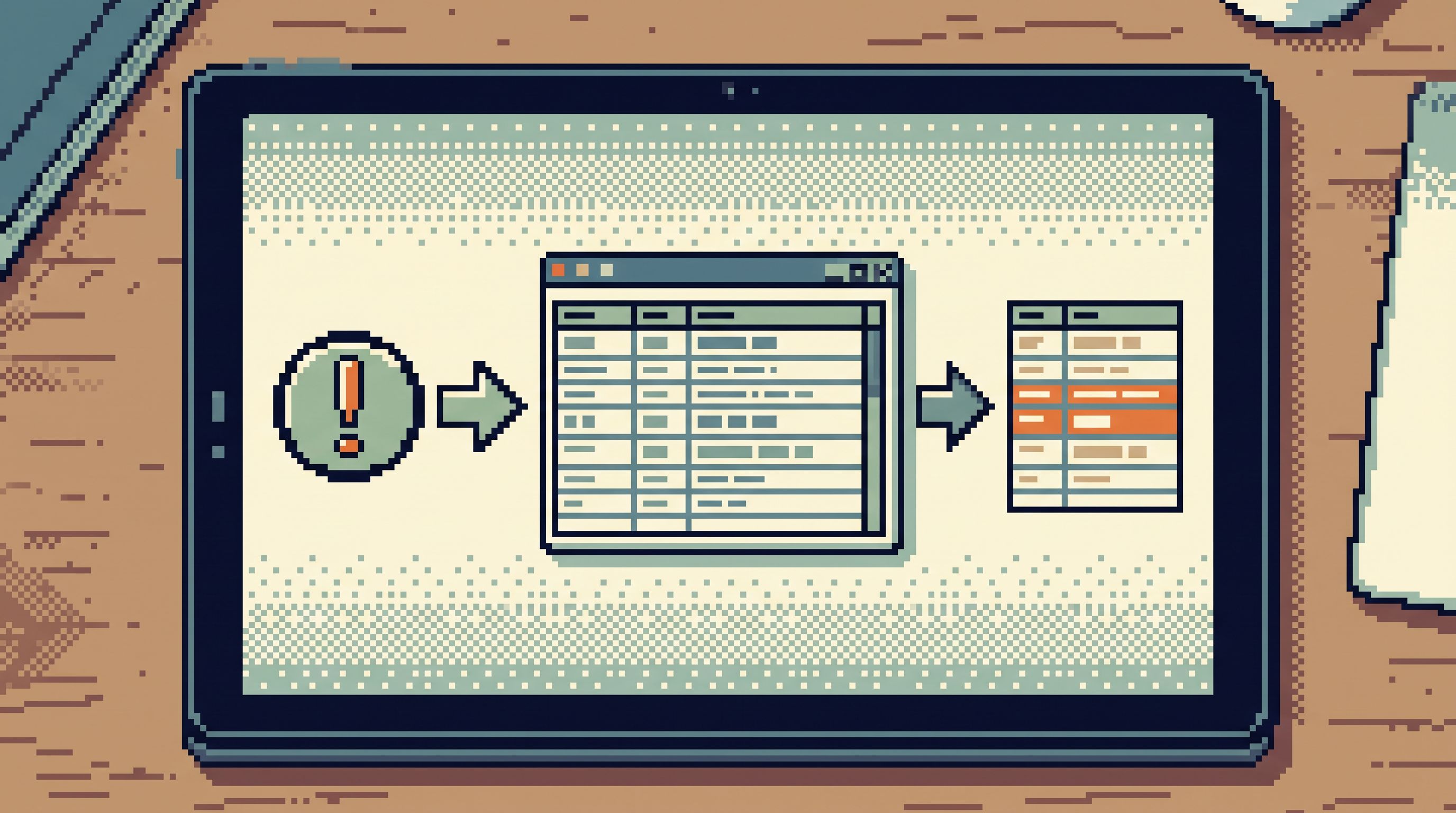
- Alerts → one calm surface over production data → rows → explanation → fix
Tools like Simpl exist to make that path the default, not the exception: an opinionated database browser that lets incidents end quietly at the data, without dragging the entire team into a noisy command center.
Why incidents should end at the database
Incidents are, at their core, questions about reality:
- Who was affected?
- What did they see or not see?
- When did it start and stop?
- Which jobs, invoices, or events were involved?
Charts and traces are good at showing that something is wrong. Rows are where you learn what actually happened.
When incidents don’t end at the database, a few patterns show up:
- War rooms become the default tool. Every alert escalates to a group call because no one trusts a single person to read production data calmly.
- Dashboards become the primary surface. People stare at shapes, not stories, and keep re‑asking the same basic questions.
- Ownership blurs. On‑call doesn’t know where to look. Support can’t self‑serve. Senior engineers become the bottleneck for every real investigation.
Redesigning on‑call so incidents end at the database gives you:
- Shorter incidents. Less time spent triangulating across tools; more time reading the exact rows that matter.
- Fewer people per incident. You don’t need five specialists if one person can safely walk from alert to rows.
- Clearer postmortems. When the story is grounded in a small set of records, it’s much easier to explain, fix, and prevent.
- Calmer rotations. On‑call becomes a repeatable loop, not a personality test.
If this framing resonates, you may also find it useful to read Post‑Dashboard On‑Call: Running Incidents From Rows, Not Charts, which goes deeper into why rows make better incident anchors than panels.
The core shift: from “where is the bug?” to “which rows tell the story?”
Most teams still run incidents with a tool‑first mental model:
“Is this a logs problem? A metrics problem? A database problem? A feature flag problem?”
That question leads directly to a tool pile.
The Calm Data Shift replaces it with a different first question:
“Which rows would prove this is real and explain it?”
From there, you design on‑call around three principles:
- One primary surface. A single place where on‑call expects to end up when they need to see real data — a calm browser like Simpl, not a general SQL IDE.
- One reusable path. A predictable route from alert → identifiers → rows → explanation, instead of improvising a new workflow every time. This builds on the ideas in The Calm Incident Loop: Designing One Reusable Path From Alert to Row and Back.
- One person in the driver’s seat. Fewer parallel tools, more linear narrative. Others can observe, but there’s a clear owner walking the data.
This sounds abstract. Let’s make it concrete.
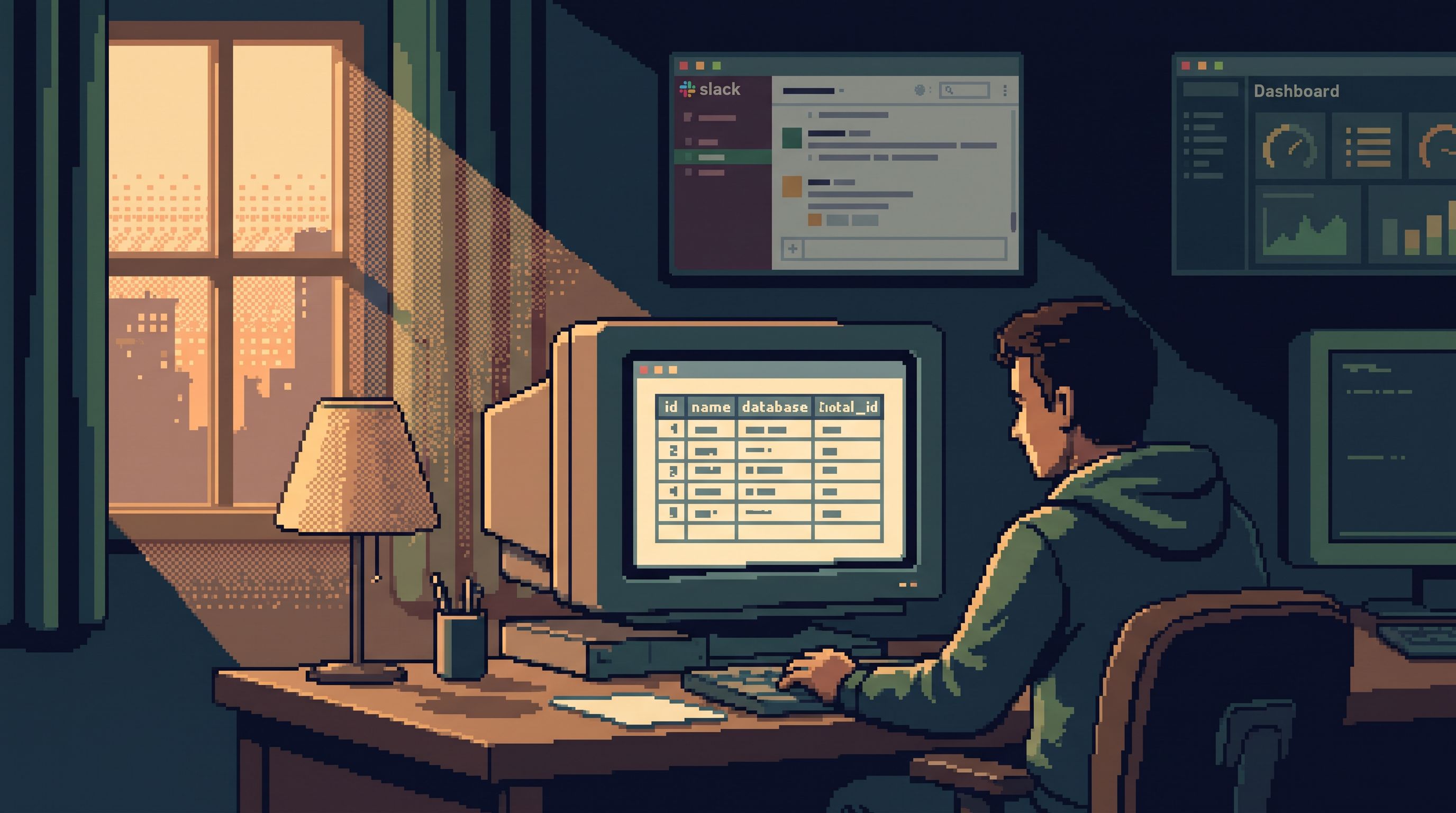
Step 1: Decide what “ending at the database” means for your team
Start by writing down, bluntly, what “done” looks like for most incidents.
For many product teams, a resolved incident usually includes:
- A small set of example users / entities (user IDs, invoice IDs, job IDs).
- A before/after picture of a few key rows.
- A timeline tied to real timestamps in your tables.
- A root cause that references specific fields: flags, states, amounts, versions.
That is all database work.
Make that explicit:
- “An incident is not fully understood until we can point at specific rows that tell the story.”
- “Our goal is to reach those rows as directly and safely as possible.”
Once this is written down, you can start shaping tools and rituals around it.
Step 2: Choose a calm primary surface for production reads
Most teams accidentally run incidents from a SQL IDE or a BI tool. Both are the wrong center of gravity.
- A full SQL editor invites complex, risky queries under pressure.
- A BI tool invites more charts when you actually need fewer.
You want a surface that:
- Optimizes for reading, not writing.
- Makes risky SQL hard to even think about.
- Keeps navigation intent‑first, not schema‑first.
- Supports filters and pivots that match real incident questions.
This is the role a tool like Simpl is designed to play:
- Opinionated filters instead of free‑form search.
- Pagination that keeps debugging linear instead of random.
- Guardrails for production reads so on‑call can move quickly without fear.
If you’ve been experimenting with fewer dashboards already, you’ll see strong overlap with the patterns described in Database Work Without Dashboards: A Minimalist Stack for Everyday Debugging.
The key decision: pick one place where the team expects to land when they need to see rows. Name it. Normalize it.
Step 3: Design a single, repeatable incident path
Once you have a primary surface, you can design a standard path that on‑call follows for almost every incident.
A simple version:
- Alert fires.
- Capture the key identifiers: user ID, tenant ID, job ID, endpoint, region.
- Jump to rows.
- Open your database browser directly from the alert or runbook.
- Land on a pre‑filtered view keyed by those identifiers.
- Trace the story.
- Walk through a small, ordered set of tables: e.g.,
requests → jobs → invoices → payments. - Use consistent filters and ordering (by time, by ID) to keep the narrative linear.
- Walk through a small, ordered set of tables: e.g.,
- Capture the explanation.
- Screenshot or export a minimal set of rows.
- Write a two‑sentence narrative tied to those rows.
- Decide the fix.
- Rollback, config change, feature flag, or a targeted data repair if you allow it.
The important property: you don’t reinvent this loop per incident. You refine one loop and reuse it.
Over time, you can:
- Wire alerts to link directly into Simpl with the right filters applied.
- Pre‑build a few “incident views” that match common failure modes.
- Teach support and product to follow the same path when they escalate.
Step 4: Make production reads safer than the war room
One reason teams over‑rotate to war rooms is fear:
“If we let more people into production data, someone will break something.”
If your only option is a full‑power SQL editor, that fear is reasonable.
Redesigning on‑call means production reads must feel safer than hopping on a call. That usually requires:
- Read‑only by default. Most on‑call work should not require writes. If you need emergency writes, separate that into a different surface and a different role.
- Opinionated query patterns. Instead of
SELECT * FROM anything, provide:- Pre‑defined filters for common entities.
- Time‑bounded views.
- Narrow column sets tuned to incident work.
- Guardrails on ad‑hoc queries. If you allow custom SQL, constrain it:
- Hard limits on result size.
- Required
WHEREclauses on hot tables. - Visible hints when a query touches sensitive columns.
These ideas are explored in depth in posts like The Calm Query Cliff and The Minimalist Query Habit, but the summary is simple: the surface should make it hard to be dangerous and easy to be precise.
A war room with five people improvising queries across three tools is usually less safe than one person reading rows from a constrained, opinionated browser.
Step 5: Shift incident roles around the data, not the call
Traditional incident roles are call‑centric:
- Incident commander
- Scribe
- Tech lead / domain experts
In a Calm Data posture, you still need those, but you add (or emphasize):
- Data navigator. One person owns the path through the database:
- Drives the primary surface.
- Narrates what they’re seeing.
- Keeps the group anchored to concrete rows.
- Context anchor. Someone close to the user or business impact (support lead, PM):
- Provides real‑world examples.
- Checks that the emerging story matches what customers actually see.
The commander still runs the incident. The difference is that the center of gravity is the navigator’s screen, not a mosaic of tools.
This also makes it easier to keep more incidents off the big call entirely:
- A single on‑call engineer can run the loop end‑to‑end.
- They only escalate to a broader call if the story is unclear after looking at the data.
Step 6: Turn incidents into reusable data walkthroughs
If incidents end at the database, your postmortems should start there too.
Instead of a generic template that starts with “Timeline of events” and “Root cause,” try a more data‑centric structure:
- Key entities. List the small set of IDs that define the incident (users, jobs, etc.).
- Canonical views. Link to the exact saved views in your database browser that show:
- Before state
- During the incident
- After the fix
- Narrative. A short, linear explanation:
- “At 10:12 UTC, jobs with state X and flag Y began to …”
- Guardrail changes. Any new filters, views, or query constraints you added in Simpl or adjacent tools.
Over time, these become data walkthroughs that:
- Help new on‑call engineers learn how to read production calmly.
- Shorten future incidents that rhyme with past ones.
- Reduce the need for sprawling runbooks and scattered screenshots.
If you want to go deeper on this narrative style of debugging, From Data Wandering to Data Walkthroughs: Structuring Calm Narratives for Debug Sessions is a good companion read.
Step 7: Measure success by how often you avoid the war room
Redesigning on‑call is not just about tooling. It’s about changing what you celebrate.
Instead of only tracking MTTR and incident counts, add a few calm metrics:
- Incidents resolved without a group call.
- Average number of tools touched per incident. Aim to shrink this.
- Time from alert to first relevant row. The shorter this is, the quieter everything feels.
- Number of people who can confidently run the loop. Not just senior engineers.
Review a few incidents each month and ask:
- Could this have ended at the database earlier?
- Where did we detour into dashboards or extra tools?
- What view or guardrail in Simpl would have made this linear?
The goal isn’t perfection. It’s a steady shift toward incidents that feel like reading a story from rows, not coordinating a rescue mission across tools.
Summary
Redesigning on‑call so most incidents end at the database is a posture change:
- From tool‑first to row‑first.
- From war rooms and dashboards to one calm primary surface.
- From improvised workflows to one reusable incident loop.
The practical moves:
- Define what “ending at the database” means for your incidents.
- Choose a read‑optimized, opinionated browser like Simpl as your primary surface.
- Design a single path from alert → identifiers → rows → explanation.
- Make production reads safer than the war room with constraints and guardrails.
- Shift roles so a data navigator drives the incident narrative.
- Turn incidents into reusable data walkthroughs instead of abstract postmortems.
- Measure success by how often you avoid the big call and how quickly you reach the right rows.
When this shift lands, on‑call stops feeling like flipping channels. It starts to feel like calmly reading and explaining what already happened — one row at a time.
Take the first step
You don’t need a full incident rewrite to start this shift.
Pick one concrete move you can make this week:
- Choose a single table or entity (jobs, invoices, sessions) and build a canonical incident view for it in your database browser.
- Wire one high‑signal alert to deep‑link into that view with the right filters.
- Run your next relevant incident from that view first, before opening any dashboards.
If you’re ready to make a calm, opinionated database browser the center of that loop, explore how Simpl can sit at the heart of your on‑call stack — so more of your incidents end quietly at the data, and fewer of them ever need a war room.