The Quiet Data Handoff: Passing Production Context Between Shifts Without Dashboards or Docs Sprawl


Production doesn’t sleep. Your teams do.
The gap in between is the handoff.
Most teams try to bridge that gap with more dashboards, more runbooks, more Slack threads, more comments in tickets. The result is familiar:
- On‑call engineers waking up and replaying the last 12 hours of Slack.
- Support leads reading three different dashboards that disagree.
- “Morning shift” re‑running the same ad‑hoc queries the “night shift” ran, because no one trusts the artifacts.
This post is about a quieter pattern: a lean, reliable way to pass production context between shifts without dashboards multiplying or docs turning into a second job.
Tools like Simpl exist for this exact reason: to make production reads calm, opinionated, and shareable without turning every question into a new dashboard or a new doc.
Why handoffs fail (even on well‑tooled teams)
When a handoff feels noisy, it’s rarely because you lack data. It’s because the story is missing or scattered.
Common failure modes:
-
Dashboard dependence
- Night shift stares at charts and screenshots.
- Morning shift opens the same dashboards, but the data has moved on.
- No one can see exactly which rows were inspected, filtered, or compared.
Dashboards are good at broadcasting that something was wrong. They’re bad at preserving how you reasoned about it. We dig into this more in Database Work Without Dashboards: A Minimalist Stack for Everyday Debugging.
-
Docs sprawl
- Incident pages, runbooks, Google Docs, Notion pages, ticket comments, Slack threads.
- Each new incident adds more pages. Very few get pruned.
- Handoff becomes archaeology instead of a quick read.
-
Query amnesia
- People run great queries during an incident.
- They paste fragments into Slack or keep them in a local editor.
- By the next shift, no one can find the exact filters or joins that mattered.
-
Context reset
- Every new shift restarts from “What’s the current state?” instead of “What did we already learn?”
- You pay the cost of rediscovery every 8–12 hours.
Underneath all of this is a simple problem: your system doesn’t have a single, calm way to capture the path from question → rows → explanation.
A quieter goal for shift handoffs
Instead of more artifacts, aim for:
One narrow narrative that any incoming engineer can replay from rows.
That narrative should:
- Start from a concrete question or alert.
- Show exactly which rows were inspected and how they were filtered.
- Capture one or two key “before / after” or “then / now” comparisons.
- End with a short explanation and a next step.
Not a timeline of everything that happened. Not a dashboard forest. Just enough to let the next person move from state to story without re‑wandering the data.
If you’ve read From Data Wandering to Data Walkthroughs: Structuring Calm Narratives for Debug Sessions, this is the same posture, extended across shifts.
Principle 1: Rows over screenshots
Screenshots feel fast in the moment. They’re expensive later.
A screenshot of a dashboard:
- Freezes a moment in time, but not the underlying logic.
- Hides which subset of users, jobs, or invoices you actually checked.
- Can’t be re‑run or adjusted by the next shift.
A stable link to a focused read in a database browser like Simpl:
- Shows the exact rows you looked at.
- Encodes the filters, ordering, and time window.
- Can be re‑run or lightly adjusted as the incident evolves.
Quiet rule:
If you’re about to screenshot a chart for a handoff, ask: “Can I link to a small, focused read of the underlying rows instead?”
How to make this real
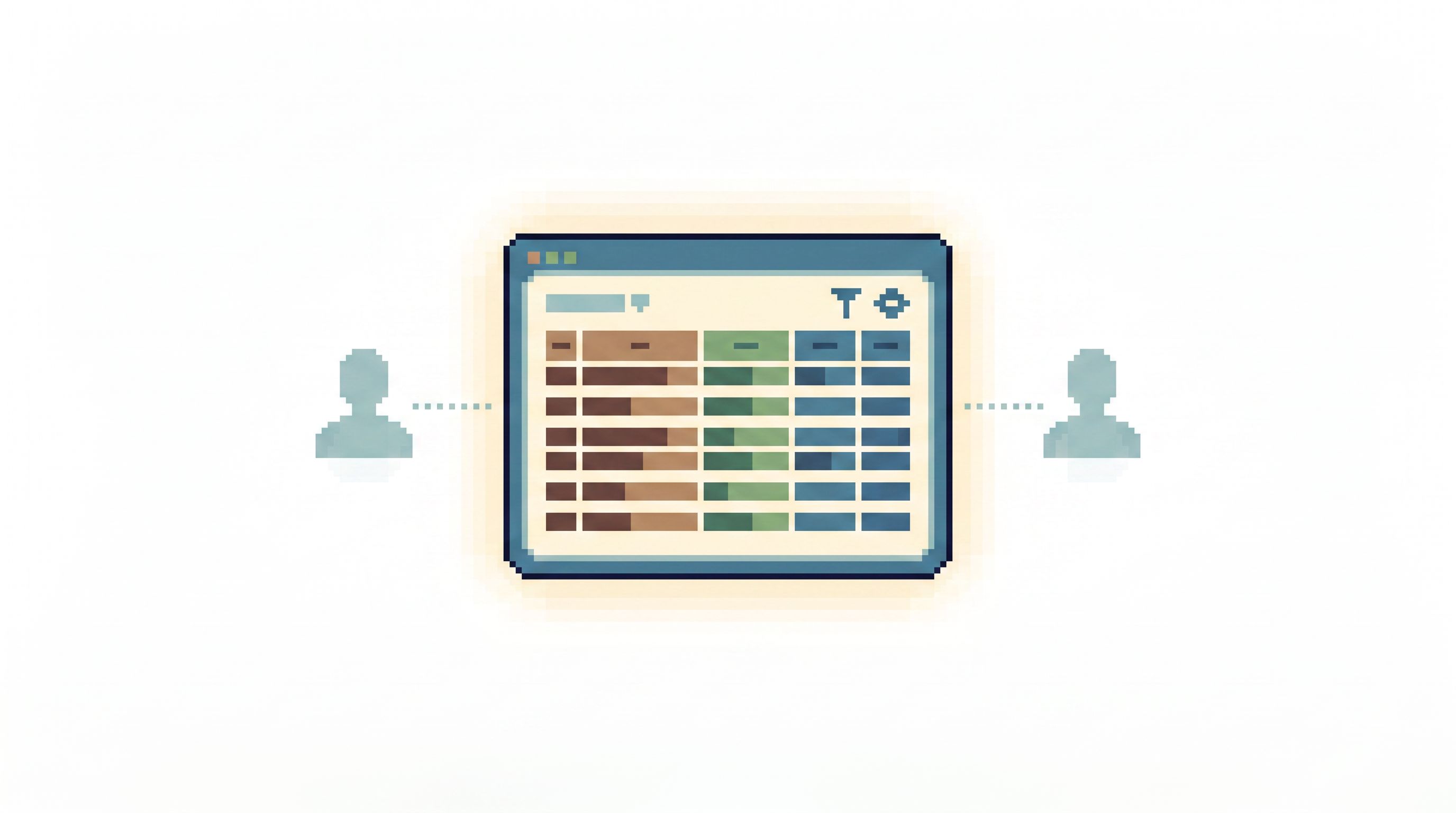
Whether you’re using Simpl or another browser, design a canonical “handoff view” that:
- Opens on a single table or joined view that represents the core entity (user, job, invoice, order).
- Applies a small, opinionated set of filters:
- Time window (e.g., last 2 hours).
- Status or error code.
- Environment / tenant.
- Sorts by a narrative dimension (usually time: when did things break, when did they recover).
Then, for each shift:
- Pin that view for the incident.
- Share the link in a single, known place (more on this later).
- Update only the filters when needed, not the entire surface.
This is the opposite of “build a new dashboard for every incident.” It’s reuse one calm view, tuned for the current question.
Principle 2: One question per handoff
Handoffs often try to cover everything:
- Open incidents
- Background anomalies
- Long‑running migrations
- Support escalations
The result is a wall of text that no one can act on.
A calmer pattern:
Treat each handoff as a continuation of one primary question.
Examples:
- “Why are EU card payments spiking in failures after 03:10 UTC?”
- “Which jobs in the
email_sendspipeline are stuck, and why?” - “What changed for this enterprise customer’s subscription yesterday?”
Everything else is secondary.
A small template
For each active incident or investigation, keep a tiny, repeatable structure:
-
Question
- One sentence.
-
Path to rows
- Link to the primary view in your database browser.
- If you’re using Simpl, this might be a saved walkthrough or pinned filter set.
-
What we’ve already ruled out
- Bulleted list, 3–5 items max.
- Each item should reference a specific read or comparison.
-
Current belief
- One short paragraph: “We think the issue is X because we saw Y in these rows.”
-
Next move for the incoming shift
- 1–3 concrete checks or queries to run.
That’s it.
You’re not writing a postmortem. You’re handing off the next move.
This “single‑question” posture lines up well with The Single-Intent SQL Session: Writing One Query That Answers the Real Question. The difference is that now the session might span multiple shifts.
Principle 3: Time is part of the context
Most production handoffs are implicitly about time:
- “It started around 03:10.”
- “We think it stabilized by 04:05.”
- “This user’s invoice changed yesterday.”
But the artifacts we share rarely encode time clearly. We pass around:
- Charts with ambiguous time zones.
- Row screenshots without timestamps visible.
- Queries that rely on
NOW()instead of pinned ranges.
A calm handoff makes time explicit and reproducible.
Small, opinionated constraints
When you’re preparing a handoff:
-
Use explicit time windows, not relative ones.
- Prefer:
WHERE created_at BETWEEN '2026-07-13 03:00:00+00' AND '2026-07-13 04:00:00+00'. - Avoid:
created_at > NOW() - interval '1 hour'in saved views.
- Prefer:
-
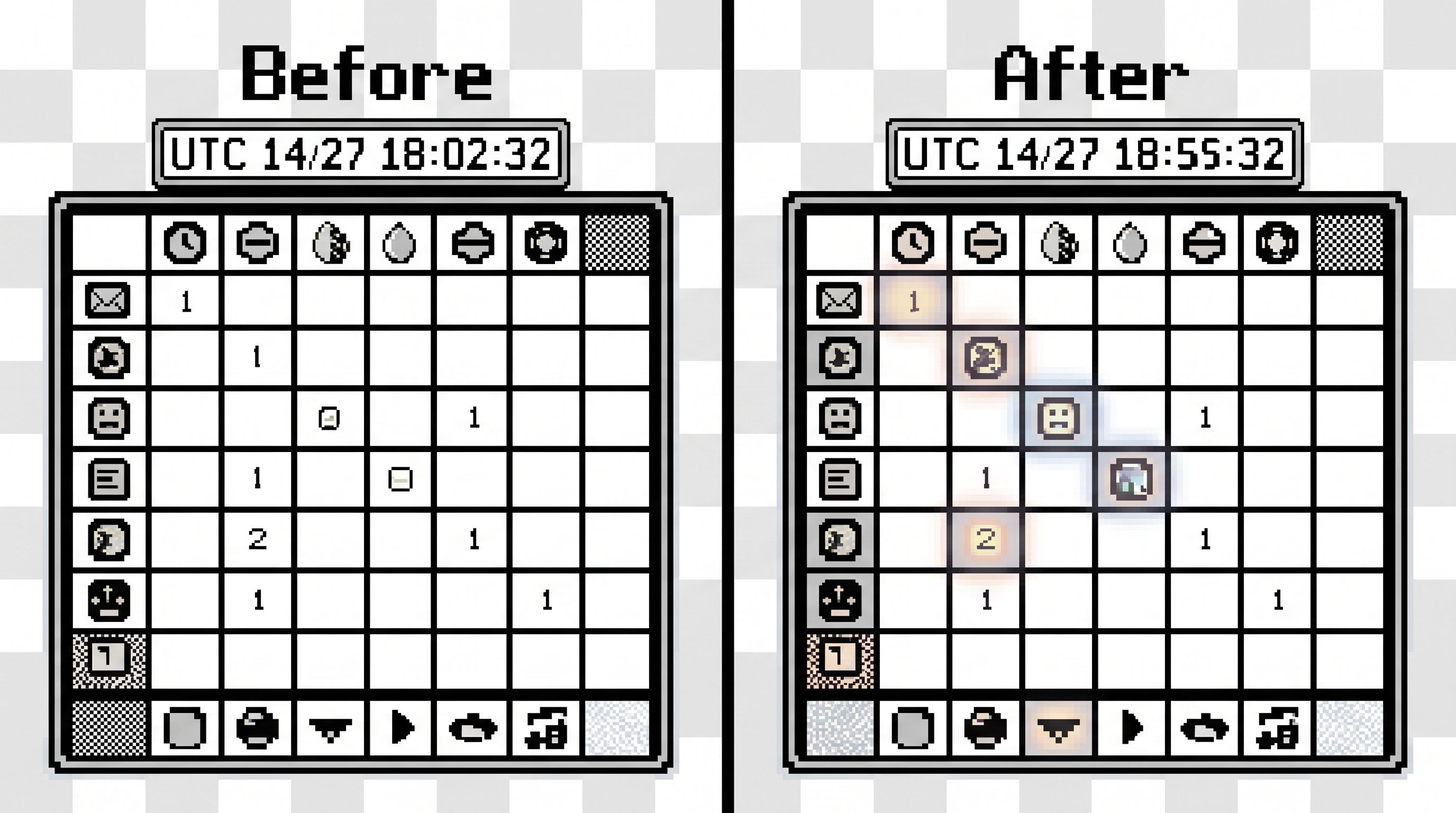
Show the “before” and “after” together.
- For a flapping incident, keep two saved views:
- One for the failing window.
- One for the recovered window.
- The handoff becomes: “Compare these two reads; here’s what changed.”
- For a flapping incident, keep two saved views:
-
Anchor everything to UTC (or one team‑wide standard).
- Your handoff doc should mention time zones explicitly.
A database browser that supports opinionated time filters and historical reads—like Simpl with time‑travel patterns—makes this much easier. If you’re curious about designing those patterns, we go deeper in Opinionated Time Travel: Calm Patterns for Reading Historical States in Production Data.
Principle 4: Fewer surfaces, clearer loops
Context breaks when people have to reconstruct the story across:
- A dashboard tool.
- A SQL IDE.
- An admin panel.
- A separate incident console.
- Slack.
During a shift change, that’s too many mental jumps.
A quieter pattern is to pick one primary surface for reading production data, and let everything else orbit it.
This is the core argument behind The Minimalist Data IDE: Where Simpl Ends and Your Editor Should Begin:
- Use a calm browser like Simpl for production reads, walkthroughs, and saved views.
- Use your SQL editor for deeper, deliberate analysis—not for live incident spelunking.
For handoffs, that translates to a simple loop:
- Alert fires (from whatever system you use).
- Primary question is written in your incident tracker.
- Rows are inspected from your database browser.
- Handoff notes link back to:
- The incident ticket.
- The primary database view.
Nothing else is required to replay the story.
If you’re designing this loop, The Calm Incident Loop: Designing One Reusable Path From Alert to Row and Back is a good companion. The handoff is just the moment where one person steps out of that loop and another steps in—without changing tools.
Principle 5: Make the handoff itself tiny and ritualized
Good handoffs are not heroic documents. They’re small rituals.
A simple, repeatable pattern for every shift:
-
Update one canonical note
- A single incident ticket, page, or doc.
- No side docs, no personal scratchpads.
-
Write three short sections
- Now: “What’s the current, observable state in rows?”
- Because: “What do we believe and why (with links to specific reads)?”
- Next: “What should you check or change during your shift?”
-
Attach or update exactly two links
- Link to the primary database view (rows).
- Link to any relevant log/trace search if needed.
-
Name a single owner for the next shift
- Not “the team.” One person who will own the question until the next handoff.
-
Keep it under 10 minutes
- If your handoff ritual takes 30–45 minutes, it will be skipped when things get busy.
This is where an opinionated tool like Simpl helps:
- Saved views and walkthroughs give you stable URLs.
- Minimal UI keeps the focus on the current question, not on layout.
- Permissions and read‑only defaults keep handoffs safe to share with support, success, or product.
Example: A quiet handoff in practice
Imagine an incident around subscription renewals failing for a subset of customers.
Question
“Why are some annual subscription renewals failing with card_declined after 02:30 UTC on 2026‑07‑13?”
Path to rows
- A saved view in Simpl over
subscription_renewals:- Filters:
renewal_date BETWEEN '2026-07-13 02:30:00+00' AND '2026-07-13 04:00:00+00'status IN ('failed', 'pending')region = 'EU'
- Sorted by
renewal_date ASC.
- Filters:
What we’ve already ruled out
- Not a general payment outage:
USandAPACrenewals in the same window are succeeding with normal rates. - Not plan‑specific: failures are spread across multiple plans (
basic,pro,enterprise). - Not limited to new cards: failures include cards that succeeded in previous billing cycles.
Each bullet links to a slightly adjusted view or a companion table (e.g., payments, invoices) in the same browser.
Current belief
We suspect a 3‑D Secure or SCA configuration issue for EU renewals after a gateway change deployed around 02:20 UTC. Failed renewals show
card_declinedwith an additionalauthentication_requiredflag in the payments table.
Next move for incoming shift
- Confirm whether all failed renewals share the same gateway configuration ID.
- Check one or two affected customers end‑to‑end:
subscriptions→invoices→payments→ any feature flags.
- If the pattern holds, coordinate with payments team to roll back or adjust the gateway config.
Everything here is:
- Grounded in rows, not charts.
- Linked to a small number of reusable views.
- Expressed in one narrow question.
The incoming engineer doesn’t need to reconstruct the story from Slack. They can click into the saved view, scan the rows, and continue the same narrative.
Where to start this week
You don’t need a full process overhaul to improve handoffs. A few small moves go a long way.
-
Pick one primary browser for production reads
If you don’t have one, try an opinionated tool like Simpl instead of another generic SQL IDE. -
Define a single “handoff note” location
Decide where the canonical handoff lives (incident tool, doc system, ticketing system). Everything else is supporting. -
Adopt the five‑part handoff template
Question → Path to rows → Ruled out → Current belief → Next move. Keep it short. -
Replace one screenshot with one row view link per shift
Any time you’d paste a chart screenshot, ask if a saved view of rows would be clearer and more reusable. -
Make time explicit in queries and views
Use pinned windows and UTC. Avoid relativeNOW()in anything that needs to be replayed.
As these habits settle, you’ll notice a shift:
- Less “catching up” at the start of a shift.
- Fewer repeated queries.
- More confidence that the story you’re inheriting is the same one the last person was telling.
Summary
Quiet handoffs are not about more documentation. They’re about:
- Centering rows instead of screenshots and dashboards.
- Framing one clear question per incident or investigation.
- Making time explicit in every saved view.
- Running everything from one calm surface for production reads.
- Keeping the handoff ritual small, repeatable, and linked directly to the data.
The benefit is simple: each shift continues the same story instead of restarting it. Production work feels less like archaeology and more like reading a well‑structured walkthrough.
Take the first quiet step
You don’t need a committee or a new process document to start.
For your next incident or tricky support escalation:
- Write down one sentence that captures the question.
- Open your database in Simpl or your current browser.
- Build one focused view of rows that answers that question as directly as possible.
- Share that link and that sentence as your handoff.
Then refine.
Shift by shift, you’ll build a quieter, more reliable way to pass production context—without another dashboard and without another sprawling doc to maintain.