The Post-Admin Session: What Everyday Production Reads Look Like in a Read‑Only World


Admin access used to be the default posture for working with production data.
If you could open the database, you could do almost anything:
- Edit a row to fix a support ticket
- Nudge a stuck job by flipping a status
- Run a wide
UPDATEorDELETE“just this once”
It felt efficient. It was also noisy, fragile, and hard to reason about at scale.
A calmer pattern is emerging: the post‑admin session.
Most people who touch production data don’t need write access. They need to read clearly, safely, and repeatably. That’s it. The work is:
- Understand what happened for this user, invoice, or job
- Explain it to someone else
- Hand off a precise change to the right system (migration, API, backfill, script) if a fix is needed
This post is about what everyday production reads look like when you assume read‑only by default — and design your tools, habits, and sessions around that assumption.
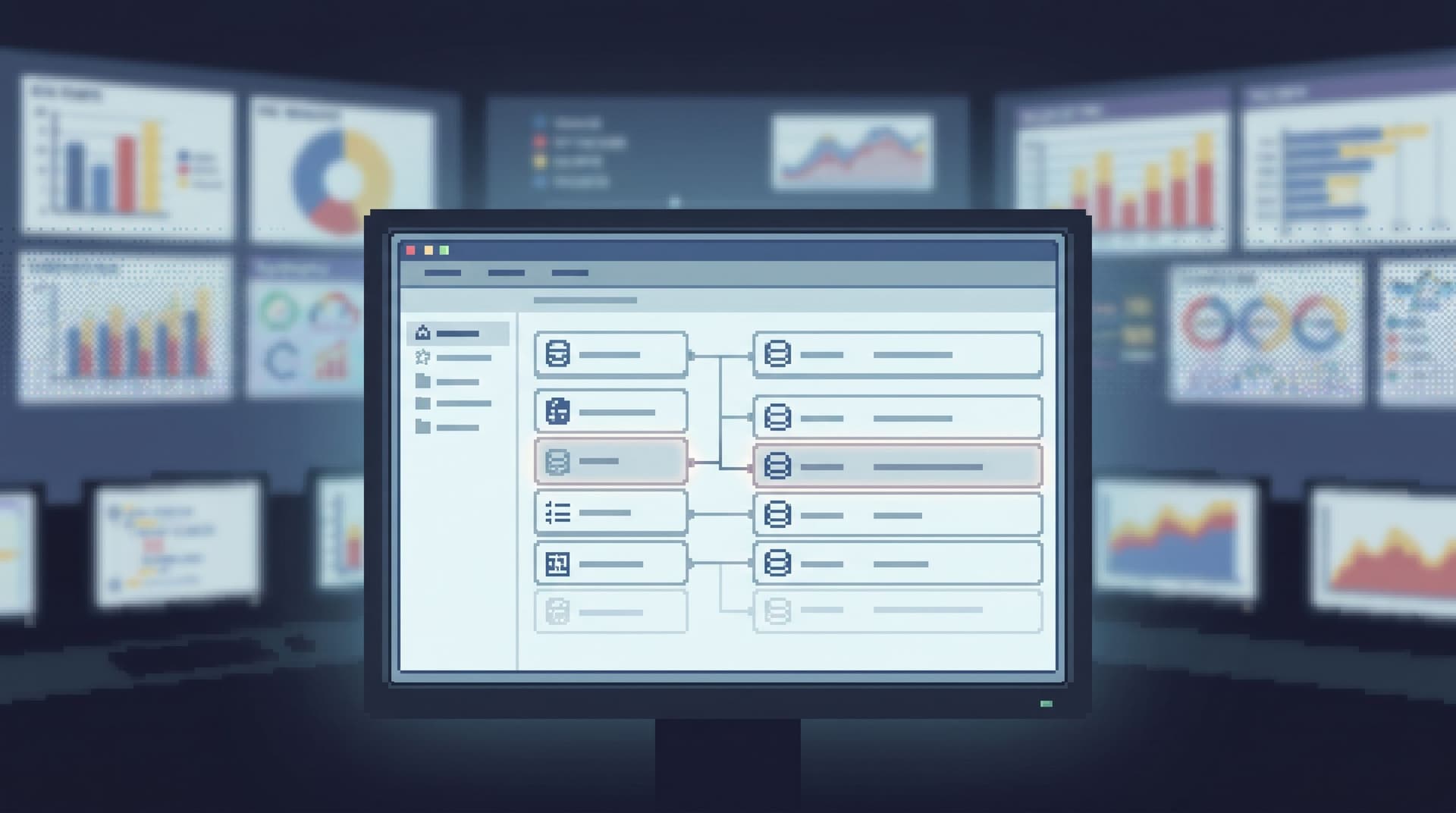
Tools like Simpl lean into exactly this stance: an opinionated database browser that treats production as a place you read from calmly, not a sandbox you edit.
Why a Read‑Only World Matters
Moving to read‑only production sessions isn’t just a security or compliance move. It reshapes how your team thinks about data work.
1. Fewer silent footguns
Write access is where rare, catastrophic mistakes live:
- A missing
WHEREin a rushedUPDATE - A one‑off fix that quietly diverges data from application invariants
- A manual edit that future migrations never accounted for
Read‑only sessions remove an entire class of failure. The worst thing a rushed engineer can do is misinterpret data, not overwrite it.
2. Clearer separation of concerns
When you can both read and edit from the same surface, every debug session is tempted to end with a quick manual fix.
In a read‑only world:
- Browsers show you what happened.
- Migrations, backfills, and APIs change what happens next.
That line keeps your data model honest. Fixes become code, not folklore.
If this resonates, it pairs well with the idea of a single, calm surface for production from posts like “The Minimalist Data IDE: Where Simpl Ends and Your Editor Should Begin”.
3. Safer access for more people
Support, success, finance, operations — all of them need real production answers.
Read‑only patterns let you:
- Give more people direct access to the real rows
- Avoid parallel, out‑of‑date reporting databases for every question
- Keep permissions and audits simple: reads are cheap, writes are rare and intentional
4. Calmer sessions under pressure
When you’re on‑call, the last thing you need is a surface where one typo can take down a system.
Read‑only sessions:
- Reduce background anxiety
- Make it easier to stay with one question at a time
- Encourage narrative, linear debugging instead of frantic experimentation
This is the same posture behind incident patterns like “The Calm Debug Loop: Running Incidents From One Question Instead of Ten Tools”.
What Changes When Admin Sessions Disappear
A post‑admin world doesn’t just remove buttons. It reshapes how you work.
Here’s what tends to change.
1. From “Fix It Here” to “Understand It Here”
The primary goal of a production session becomes:
Tell a precise story about what happened.
Not:
Fix the data while you’re here.
That means your browser — whether it’s Simpl or another opinionated tool — should optimize for:
- Linear trails: how you got from alert → user → related rows
- Readable queries: focused filters, not sprawling joins
- Context at the edge: timestamps, states, and relationships that make sense without extra dashboards
2. From Arbitrary SQL to Opinionated Reads
When writes are off the table, you can get more opinionated about how reads happen:
- Narrow filters over free‑form search
- Common paths for common questions
- Guardrails around pagination, time windows, and limits
This is the same design stance as “Opinionated Filters, Not Free‑Form Search: Calmer Patterns for Narrowing Production Data”: fewer choices, more clarity.
3. From Ad‑Hoc Fixes to Reproducible Changes
Once you can’t tweak a row directly, you’re forced into healthier patterns:
- Open a migration PR instead of flipping a flag in the database
- Run a backfill job instead of editing a single broken invoice
- Add a repair endpoint to the application instead of “just this once” SQL
It feels slower the first few times. It gets much faster once you have real tooling and playbooks around it.
The Shape of an Everyday Read‑Only Session
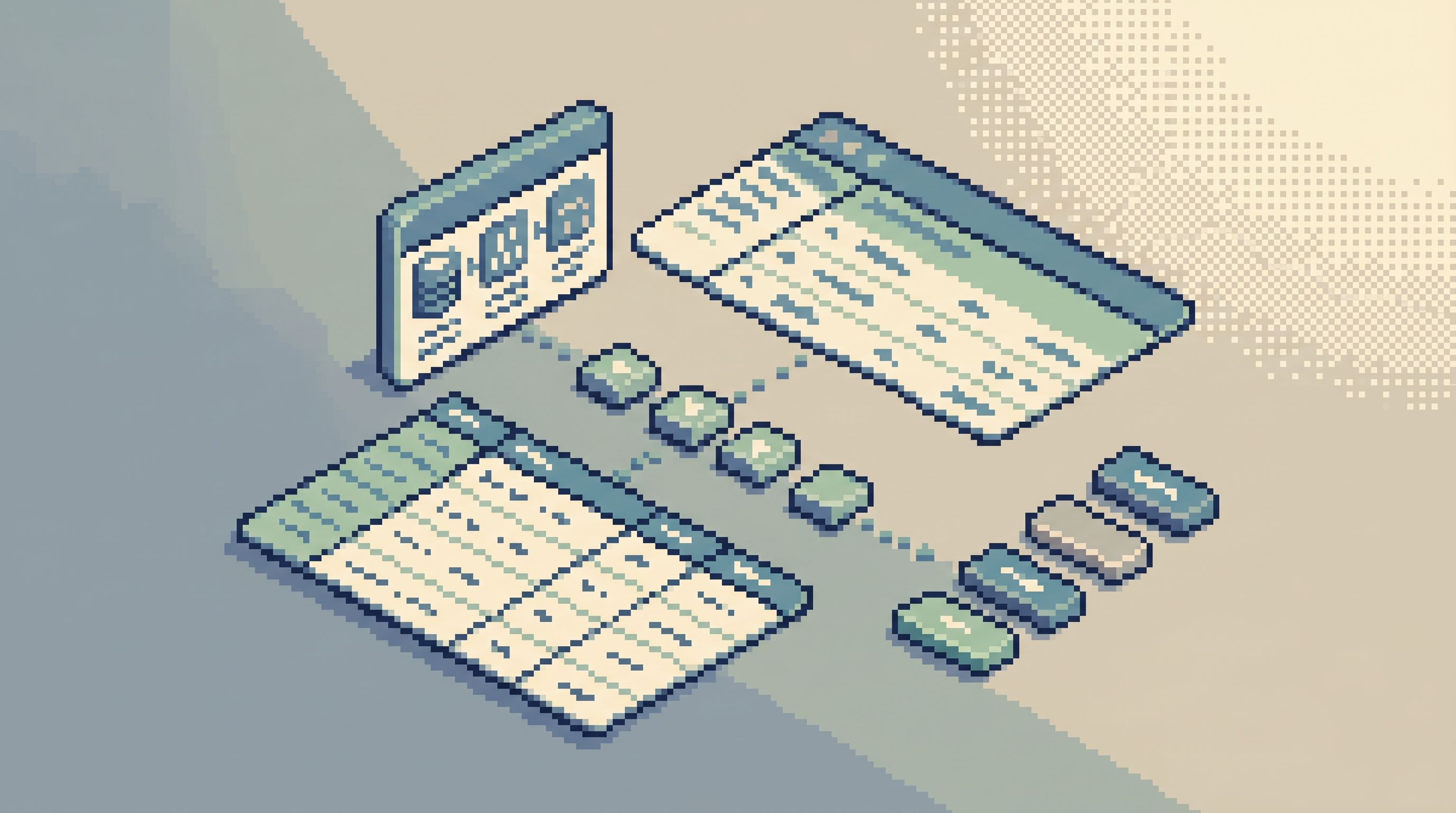
Let’s make this concrete.
You’re on support or engineering. A teammate asks:
“Why did this customer’s subscription cancel last night?”
In a post‑admin, read‑only world, a calm session might look like this.
Step 1: Start From One Identifier
Pick a single anchor:
- User ID
- Invoice ID
- Job ID
Drop that into your browser — something like Simpl — using a narrow, opinionated entry point, not a blank query canvas.
Good patterns here:
- Pre‑built filters for
user_id,email,external_id - Saved views like “Subscriptions by user” or “Recent invoices for user”
- Direct deep links from your app (e.g., “View in Simpl”) into the right table + filter
Avoid:
- Starting from the schema tree
- Browsing tables by curiosity
- Running wide
SELECT *queries without a clear anchor
If you’ve read “Mindful Data Work: Small Rituals That Keep Production Reads Out of the Doomscroll Loop”, this is the same idea: start with intent, not exploration.
Step 2: Read the Story in Time Order
Once you’re anchored on the right entity, read chronologically:
- Subscription created → trial started → upgraded → downgraded → canceled
- Job queued → picked up → retried → failed → dead‑lettered
Your browser should make this linear by default:
- Sort by time, not by arbitrary primary key
- Use cursor‑based pagination that keeps “next” and “previous” aligned with time
- Show related events and state changes near the primary row
You’re not hunting for a specific row. You’re reading a story.
Step 3: Map Relationships Without Leaving the Surface
As you read, you’ll naturally branch:
- “What invoice was associated with this cancellation?”
- “What feature flags were on when this happened?”
- “What job retried right before this failure?”
In a calm, read‑only browser, those branches are:
- One click to a related table, pre‑filtered by the same ID
- A small, visible trail of where you came from
- Easy to backtrack without losing context
You’re still in one surface, one mental model. You’re not juggling a SQL IDE, a BI tool, and three admin consoles.
Step 4: Capture the Explanation, Not Just the Rows
Before you close the tab, capture a short explanation:
- “Subscription canceled because payment failed three times; final attempt at 2026‑07‑09 03:14 UTC.”
- “Job stuck because downstream service 500’d for 10 minutes; retries exhausted.”
You can do this in:
- A ticket comment
- A Slack thread
- A short runbook note
The important part: the explanation is grounded in specific rows you can deep link back to.
A tool like Simpl makes this easier by giving you stable URLs for specific filters and views, not just raw SQL.
Step 5: Hand Off Any Change as Code
If something needs to change:
- Open a migration PR
- File a small backfill script
- Add or adjust an application endpoint
Your read‑only session ends where your write‑capable systems begin.
You’re not tempted to “just fix it while you’re here,” because you can’t.
Designing Your Team’s Post‑Admin Patterns
Moving to read‑only isn’t just flipping a permission flag. You’re changing habits.
Here are practical steps to make it stick.
1. Draw a Hard Line Between Read and Write Surfaces
Pick one primary read surface for production data. That might be Simpl or a similar browser.
Then:
- Make it read‑only by design: no
UPDATE, noDELETE, no schema changes - Route common workflows through it: on‑call, support, finance, product debugging
- Push all writes elsewhere: migrations, backfills, admin APIs, specialized tools
If a tool can both read and write production freely, treat it as a write surface and keep its access narrow.
2. Standardize Entry Points Around Real Questions
List the 10–20 questions your team actually asks of production data each week:
- “What happened to this invoice?”
- “Why is this job still pending?”
- “What did this user’s account look like yesterday?”
For each, design a first move:
- A saved view with the right table, filters, and sort
- A deep link from your app into the browser
- A short runbook snippet: “Start here, with this identifier”
Over time, these moves become muscle memory.
3. Make Time a First‑Class Filter
Most production questions are time travel questions:
- “What did we think this value was when we charged the card?”
- “Which flags were on when the bug started?”
Your browser should:
- Default to sensible time windows (last 24 hours, last 7 days)
- Make it easy to jump to a specific moment
- Keep pagination aligned with time, not offsets
This is the same stance as opinionated time travel patterns: make historical reads a normal, low‑friction part of every session.
Habits That Keep Read‑Only Sessions Calm
Even with the right tools, habits decide whether sessions stay focused or drift.
Habit 1: One Question Per Session
Before you open the browser, name the question:
“Explain why user 123’s subscription canceled on 2026‑07‑09.”
Keep it visible:
- In the ticket you’re working from
- In the Slack thread
- In your own notes
If you find yourself wandering into unrelated tables, that’s a signal to stop or start a new session.
Habit 2: Narrow Before You Scroll
When you land on a table:
- Filter by the anchor ID first
- Then adjust time range
- Only then consider secondary filters
Avoid:
- Scrolling through unfiltered pages
- Running
SELECT *with noWHERE
Narrowing first keeps sessions short and legible.
Habit 3: Write Down the Story, Not the Query
When you’re done, capture:
- A 1–3 sentence explanation
- The key IDs and timestamps
- A link back to the relevant view
You can always reconstruct the query later. The story is what other humans need.
Habit 4: Escalate to Code Early
If you catch yourself thinking:
- “I wish I could just flip this flag.”
- “I’ll just fix this one row.”
Stop. That’s the old admin reflex.
Instead:
- Open a small PR
- Draft a backfill
- Pair with someone who owns the write surface
You’ll end up with fewer one‑off fixes and more reusable tools.
How Tools Like Simpl Support Post‑Admin Work
A post‑admin, read‑only world is as much about tooling as it is about culture.
An opinionated browser like Simpl helps by:
- Being read‑first by design: no temptation to run dangerous writes from the same place you debug
- Optimizing for linear stories: pagination, filters, and navigation that keep you close to one question at a time
- Making deep links cheap: every focused view has a URL you can paste into tickets, runbooks, and incident channels
- Integrating with your existing stack: letting your editors, migration tools, and incident systems orbit around a calm, central read surface
You can approximate this posture with a mix of existing tools, but having a single, quiet browser built for production reads makes it much easier to standardize patterns across teams.
Summary
A post‑admin session is simple on purpose:
- Read‑only by default: most people never need write access to production
- Question‑first, not schema‑first: you start from a real user, job, or invoice, not from a tree of tables
- Time‑aware, not snapshot‑only: you read stories in order, instead of staring at a single state
- Code‑driven fixes, not manual edits: changes happen through migrations, APIs, and backfills, not quick SQL
Designing for this world means:
- Choosing one primary read surface and keeping it strictly read‑only
- Standardizing entry points around your team’s real questions
- Building habits that keep sessions narrow, linear, and explainable
The result is quieter production work: fewer footguns, clearer stories, and a calmer path from “something is wrong” to “here’s exactly what happened.”
Take the First Step
You don’t have to redesign your entire stack to move toward post‑admin sessions.
Start with one concrete change this week:
- Pick one primary read surface for production (or trial something like Simpl).
- Lock it to read‑only for everyone who isn’t explicitly responsible for migrations or backfills.
- Document three common questions and the exact first move for each inside that surface.
Run a few incidents or support tickets this way. Notice what gets calmer — and what still feels noisy.
From there, you can grow into stricter write boundaries, better time‑travel patterns, and more opinionated navigation.
Production data isn’t going to get simpler. Your sessions can.